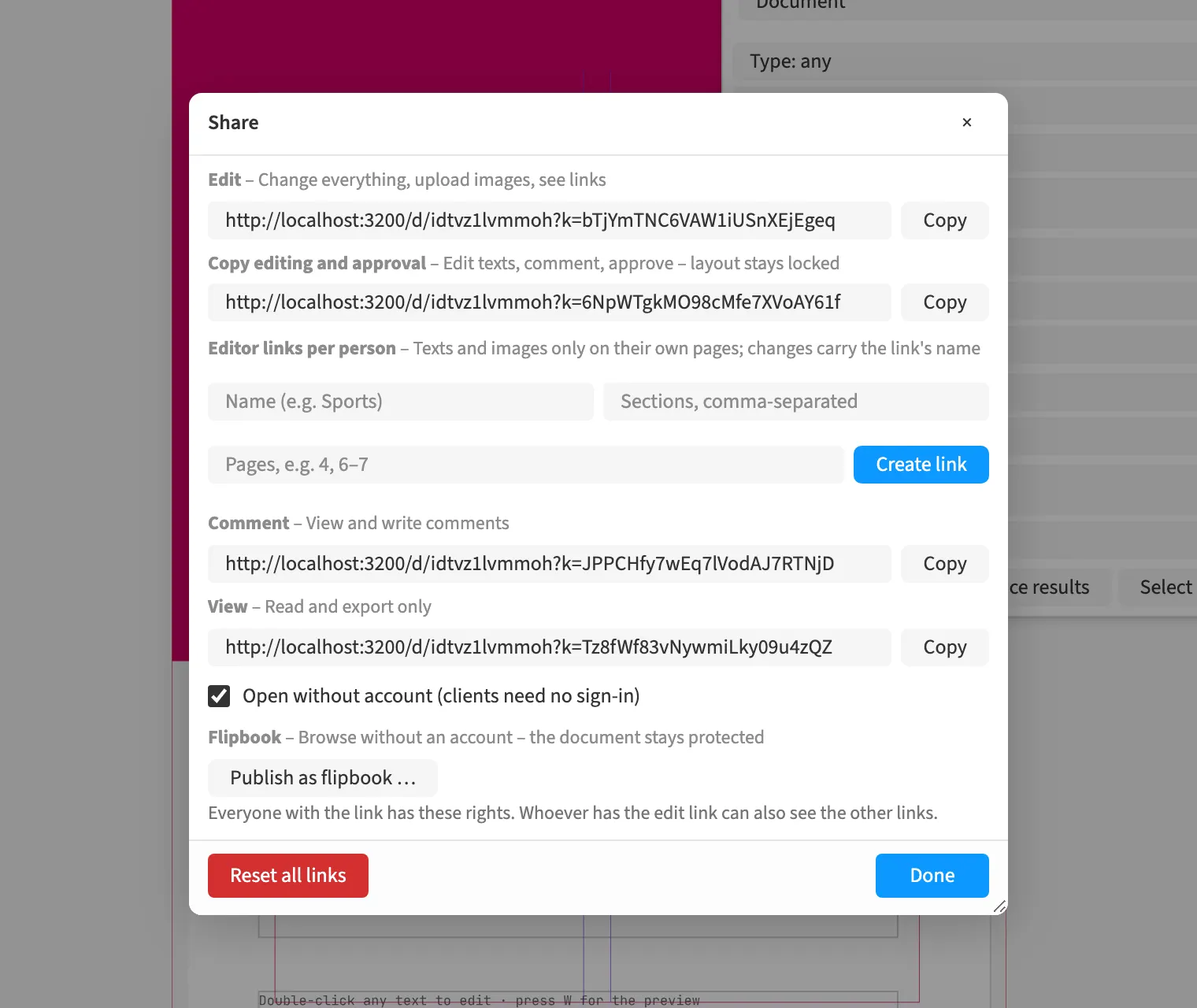
Where to find itFile › Share …
Each person sees their own documents and gains further access through an appropriate link or a team. Link roles distinguish editing, copy editing and approval, commenting, and viewing. For brochure corrections, you can let clients edit text and comment while the layout stays locked. A view link allows reading and export, and a comment link adds commenting. The role determines which operations are available in the document.
How to do it
- Open the document with editing rights and choose File › Share …
- Choose the link role appropriate to the task.
- Copy the corresponding link for the person concerned.