Where to find itWindow › Chart
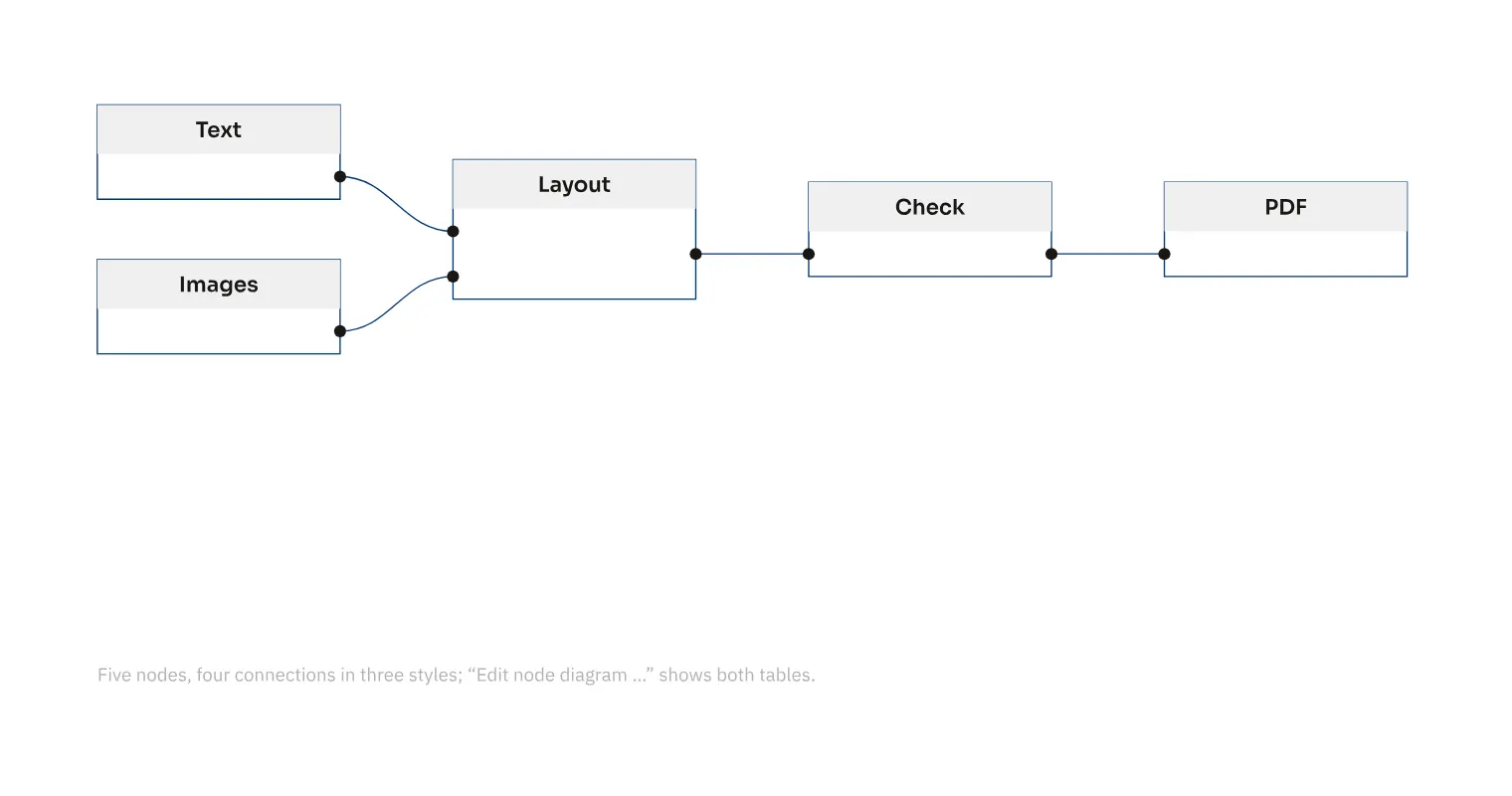
You move diagram boxes with the mouse or arrow keys while keeping their connections. In an agency handbook flowchart, this lets you make room for explanations later. A plus sign on a box or connector adds a box, and connection-point and box shapes can be changed. You can select all boxes or all connectors in a diagram together and format their lines, arrows and fills in one operation.
How to do it
- Select a box and move it with the mouse or arrow keys.
- Add another box with “+”.
- Use «Select all connectors of the diagram» or «Select all boxes of the diagram» in the diagram context menu.
- Set stroke and fill for the selection.
Tips
- Tab adds another box to a selected diagram box; ↩ adds one alongside.