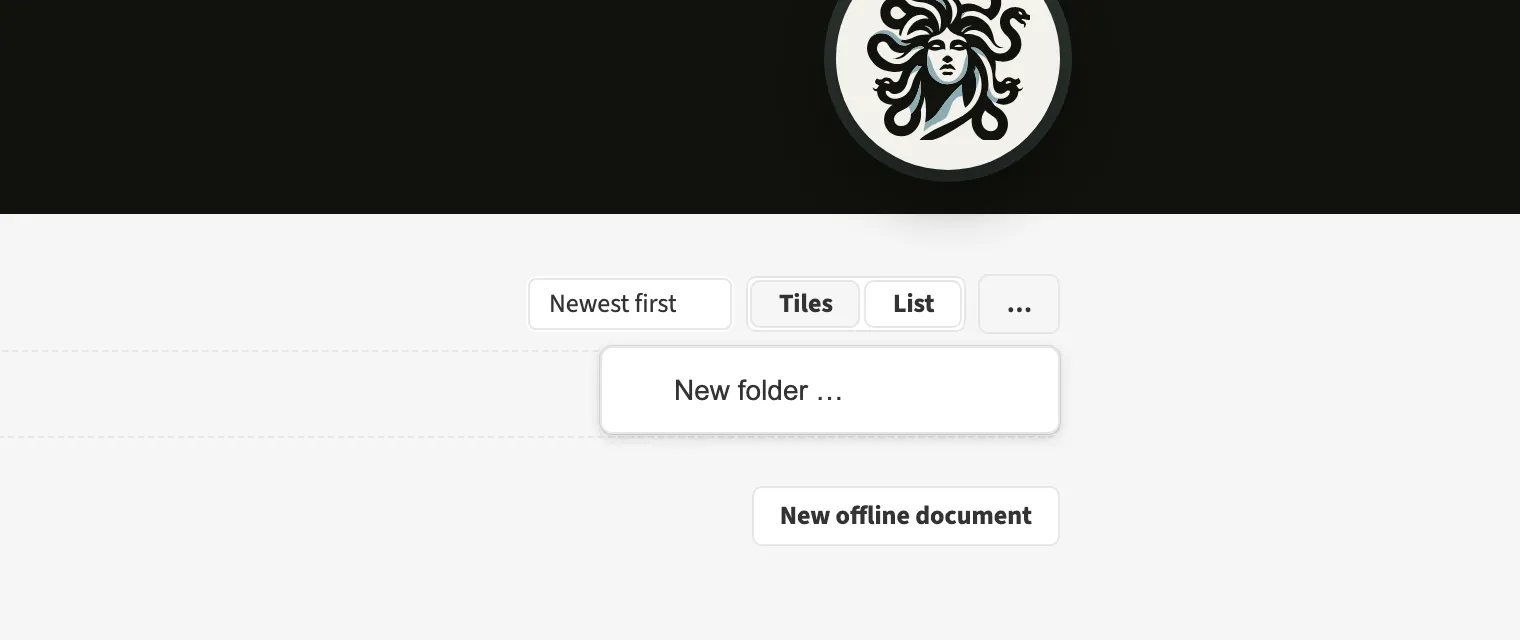
Where to find itNew folder …
The document overview offers personal folders with subfolders. You can drag documents into a filing location. An agency can organise clients, projects and issues in a hierarchy. The overview counts a folder’s documents together with those in its subfolders. Filing belongs to you and does not change pages or export data.
How to do it
- Open the document overview and choose New folder …
- Enter a name and choose a parent folder if needed.
- Drag the documents into it.
Limits
The folder hierarchy is limited to four levels.