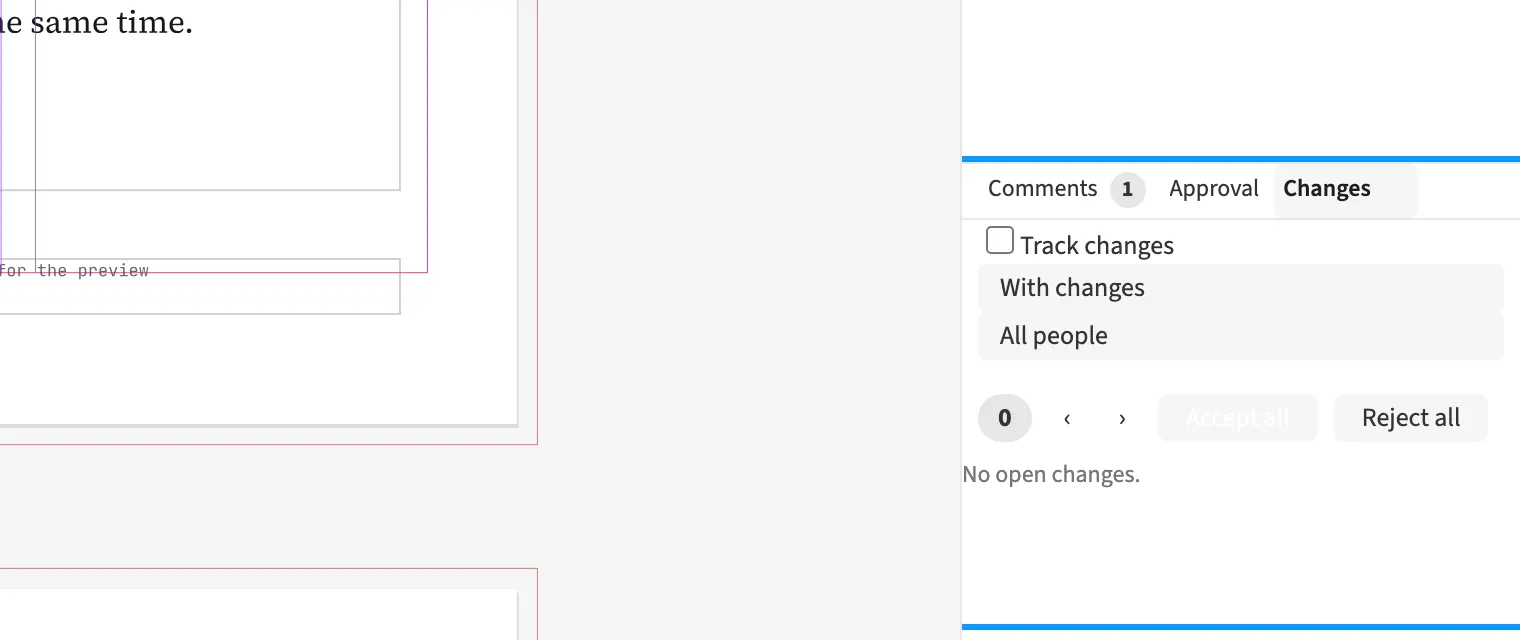
Where to find itEdit › Proofing and Approval › Track changes
You enable change tracking for the document to record text edits with name, time and colour. Inserted text appears underlined, and deleted text remains as a mark at its location. During a magazine’s final editing round, you can distinguish contributors’ edits and accept or reject them individually or by person. Composition already uses the final version throughout. PDF and print also show the final version without revision marks. Tracking applies to text edits made through a copy-editing link too.
How to do it
- Choose Edit › Proofing and Approval › Track changes.
- Have the text corrected in the document.
- Open Window › Changes.
- Review the edits and accept or reject them.
Compared
Track changes
- Medusa partlyinsertions and deletions with accept and reject, output in the final version; paragraph marks and formatting not
- Adobe InDesign available↗ Adobe: Track text changes
- QuarkXPress availableRedline↗ Quark: A Guide to QuarkXPress 2025
- Affinity Studio no reliable statement
Vendor sources, as of 25.9.2026 · Full comparison with all sources