Where to find itTo overview › Prepress test document
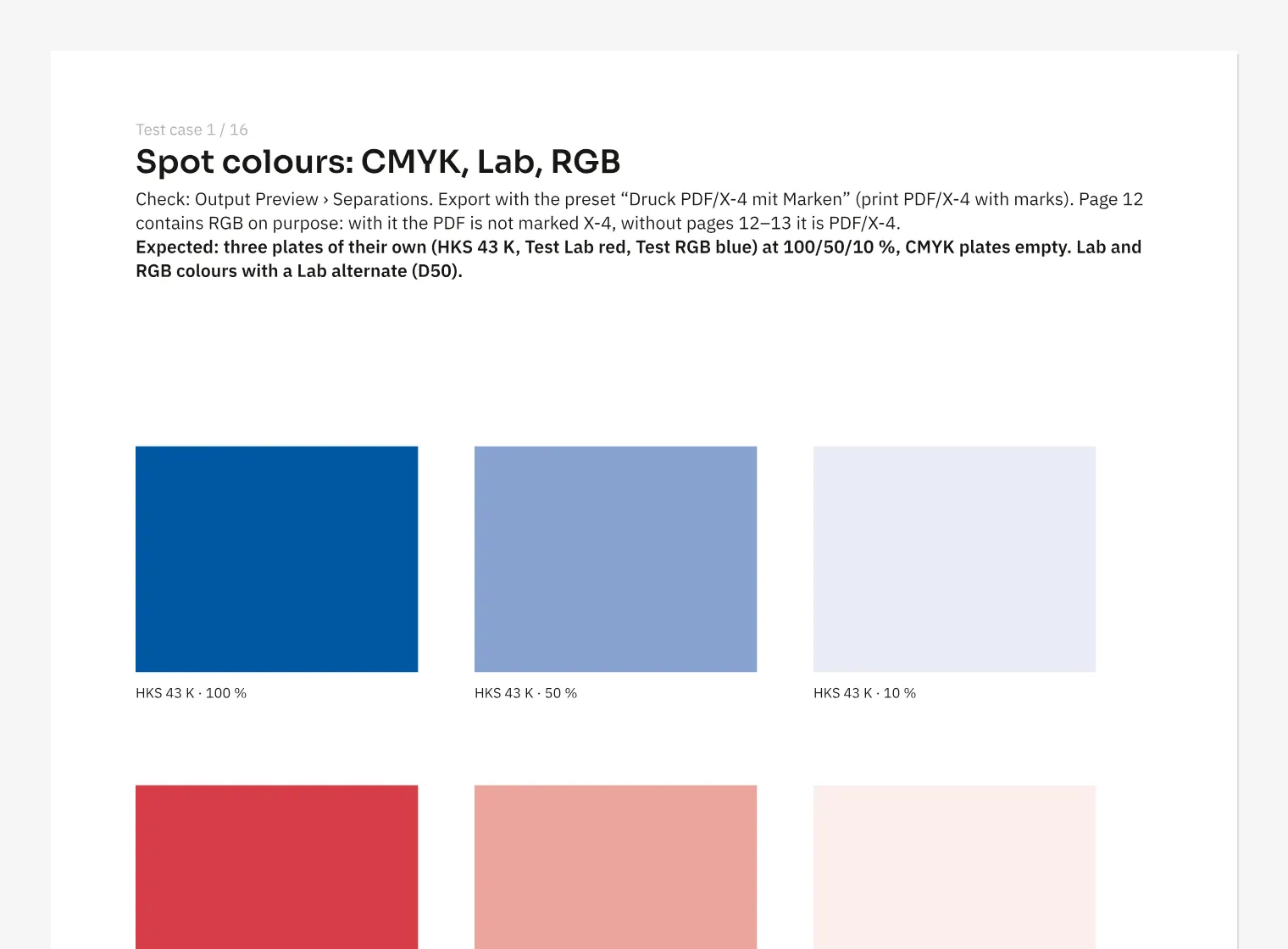
The prepress test document contains 16 pages of deliberately constructed print cases. It includes CMYK, Lab and RGB spot colours, overprint, transparency, line art, and 16-bit, CMYK and RGB images. Placed PDFs and an OTF font are also part of the example. Each page explains its purpose and expected result at the top so you can compare the screen with the exported PDF. For training in a print shop, use the ink coverage, small type, hairline and image resolution cases. Deliberate findings help you interpret the prepress report.
How to do it
- On the overview, open «Prepress test document».
- Read the page’s test purpose and expected result.
- Export the PDF through «File» › «Export …» and compare the result.