Where to find itFont › Paragraph
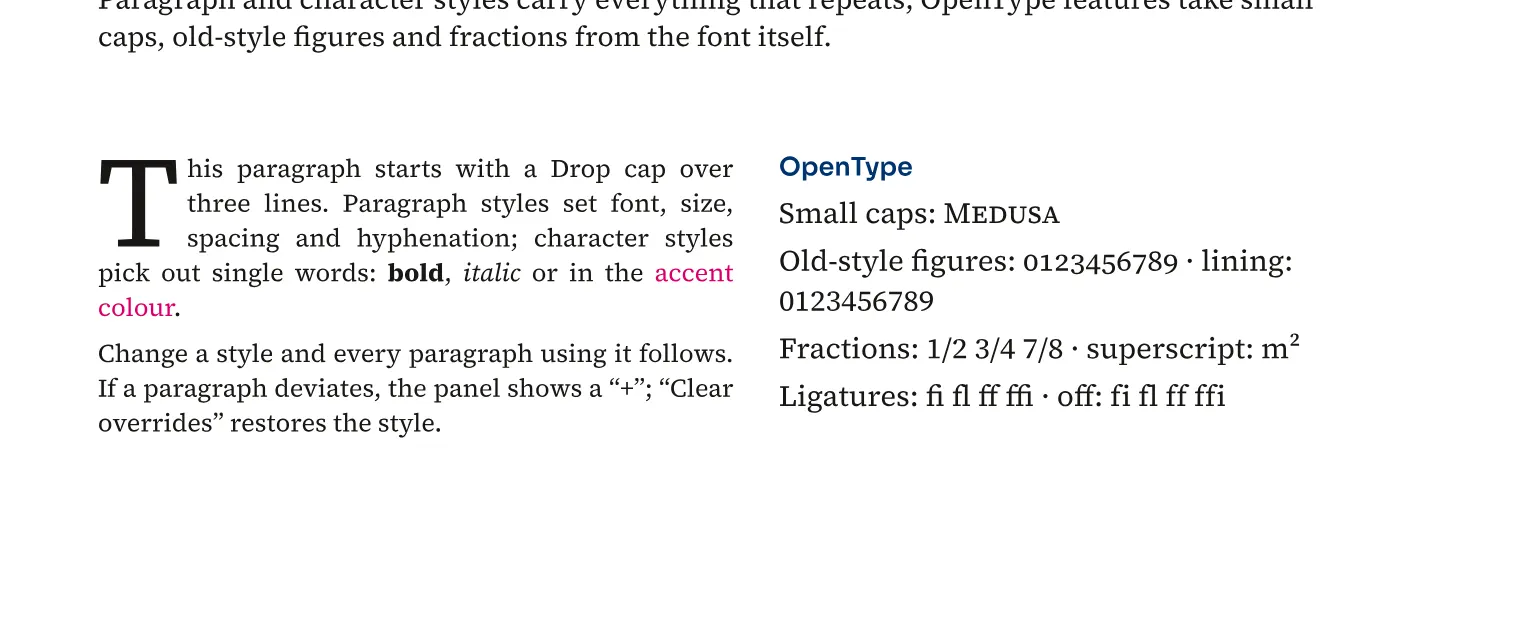
Drop caps enlarge the beginning of a paragraph over several lines. Paragraph rules, shading and borders add design directly to the paragraph. In a magazine, you can mark an article opening or distinguish a note within running text. The design belongs to the paragraph and follows its composition, including into another column or frame. You can store the rules in paragraph styles to maintain several boxes or article openings together.
How to do it
- Select the text you want to edit.
- Open Window › Text › Paragraph & Character.
- Open Drop cap or Shading and border and set the values.
- Check the line breaks on the page.