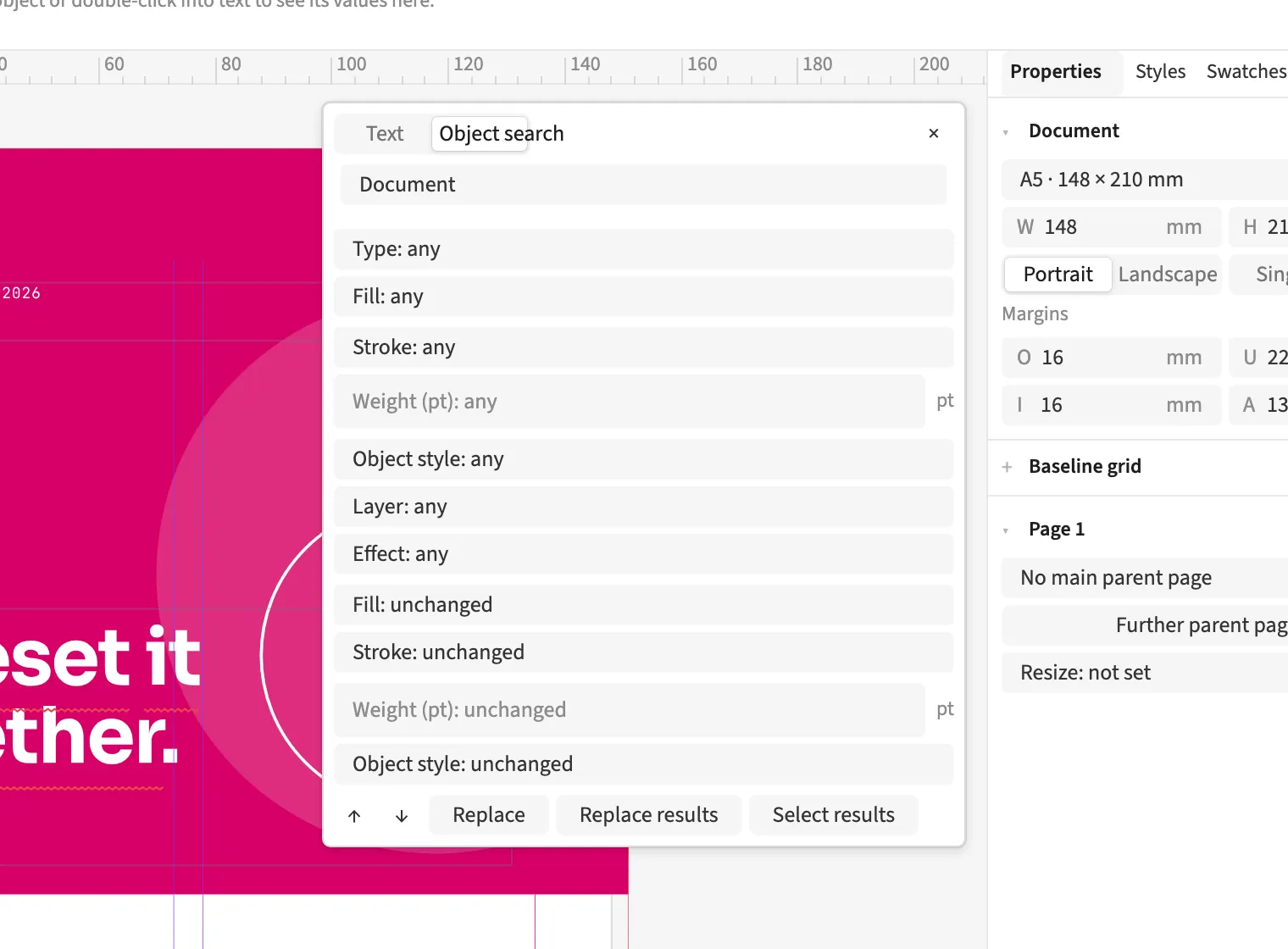
Where to find itEdit › Find and replace … (⌘F) › Object search
Object search finds frames by fill, stroke, object style, kind, layer or effect. You can select matches one by one or replace matching properties together. For a catalogue revision, you can find all frames sharing a stroke weight. A context menu lets an existing object serve as a model for selecting similar objects. On a swatch, Where used? selects affected objects and reports text locations using that colour.
How to do it
- Open Edit › Find and replace … and Object search.
- Set the criteria and Object scope.
- Review matches or use Select results.
- Set replacement values and click Replace results if needed.