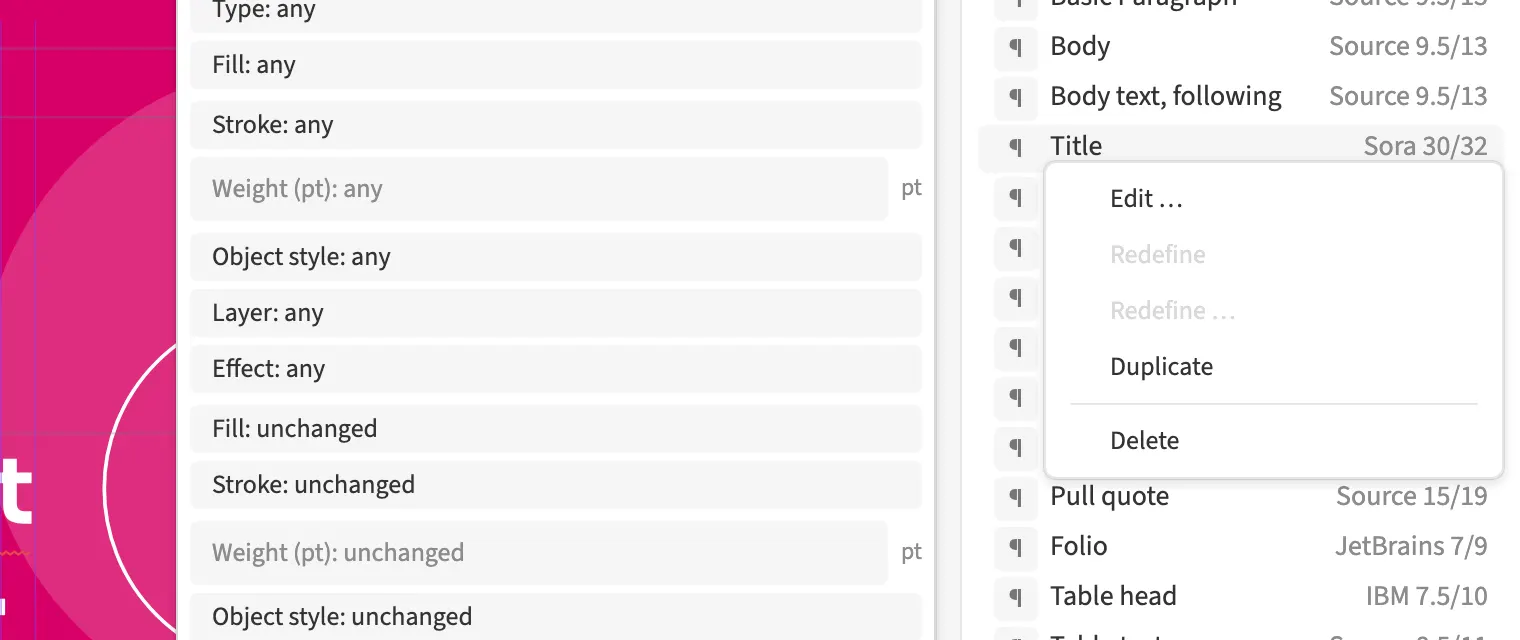
A style’s context menu offers editing, redefining, duplication and deletion. Redefining takes the selection’s overrides into the style. You can turn a headline treatment tried on the text into a shared magazine style. A duplicate provides a starting point for another section. Changes to the definition affect the places that use that style.
How to do it
- Select the text or object with the desired appearance if needed.
- Right-click the style.
- Choose Edit, Redefine, Duplicate or Delete.