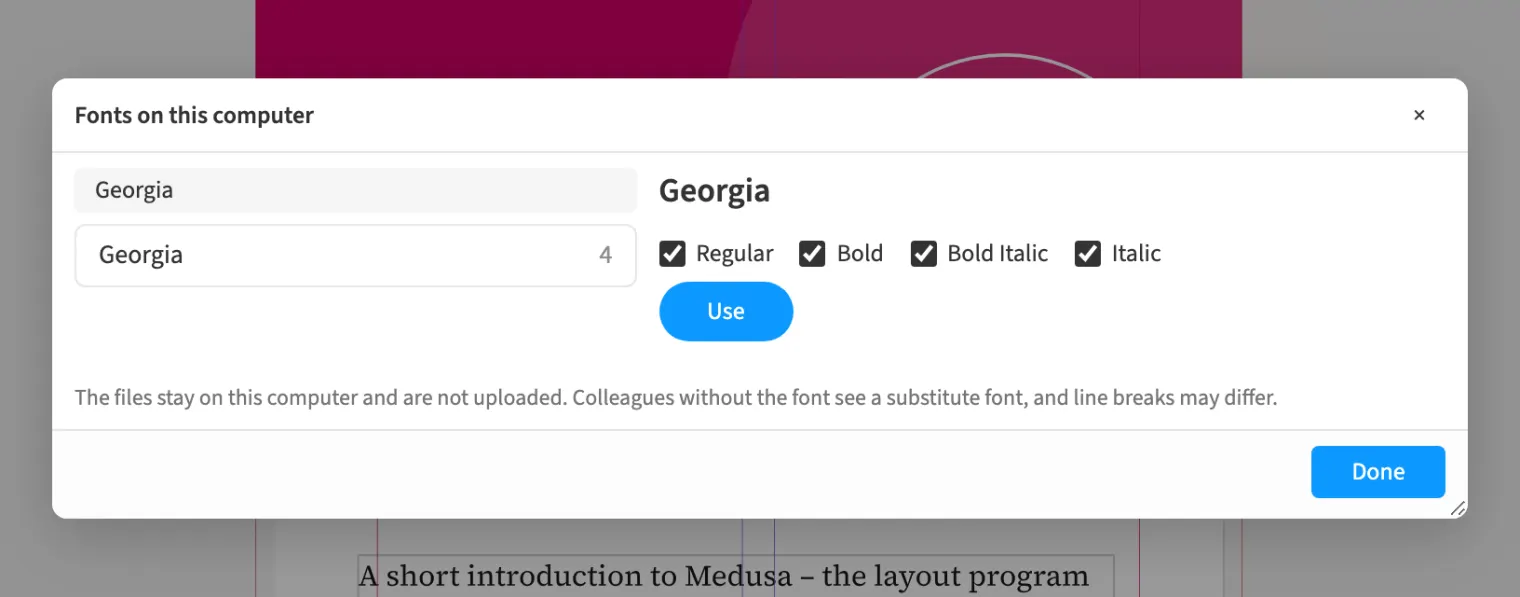
Where to find itFont › Fonts › Use fonts on this computer …
In Chrome and Edge, Medusa reads the fonts installed on your computer when you ask it to. You pick a family and its styles and set type in them without uploading anything. The document stores only family and style, and no font file sits on the server. The PDF embeds the font. Anyone without it sees a substitute font, and line breaks can differ. Preflight lists «Font only on this computer» as a notice.
How to do it
- Open «Font › Fonts › Use fonts on this computer …».
- Allow the browser to access your fonts.
- Pick a family on the left and its styles on the right, then «Use».
- Set your text in the new font; it shows in the font list as «this computer only».
Limits
This works only in Chromium browsers such as Chrome and Edge; elsewhere you keep the bundled and uploaded fonts. Styles whose file forbids embedding stay visible with a note and cannot be chosen. Font collections (.ttc) are not supported.