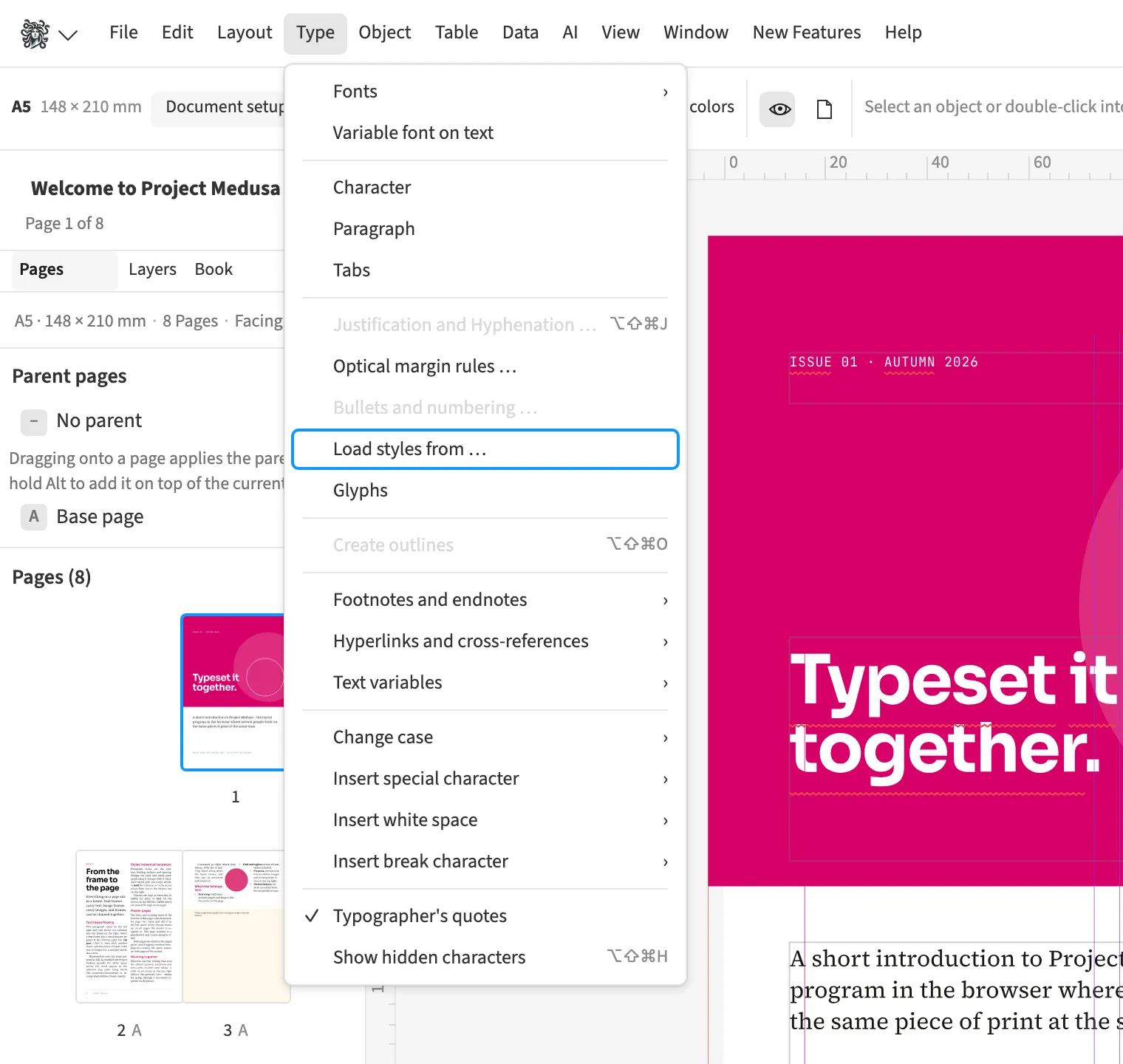
Where to find itLoad styles from …
You can load swatches and paragraph, character, object, table and cell styles from another document. The dialog marks each entry as new, different or already identical. You select the entries you need and apply them together. For a new magazine issue, this lets you reuse the previous issue’s design. New entries are added, while selected differing entries update existing definitions.
How to do it
- Open Load styles from … through command search.
- Choose the source under Document.
- Tick the entries you need and click Apply.
Limits
Only documents accessible to this browser are available.