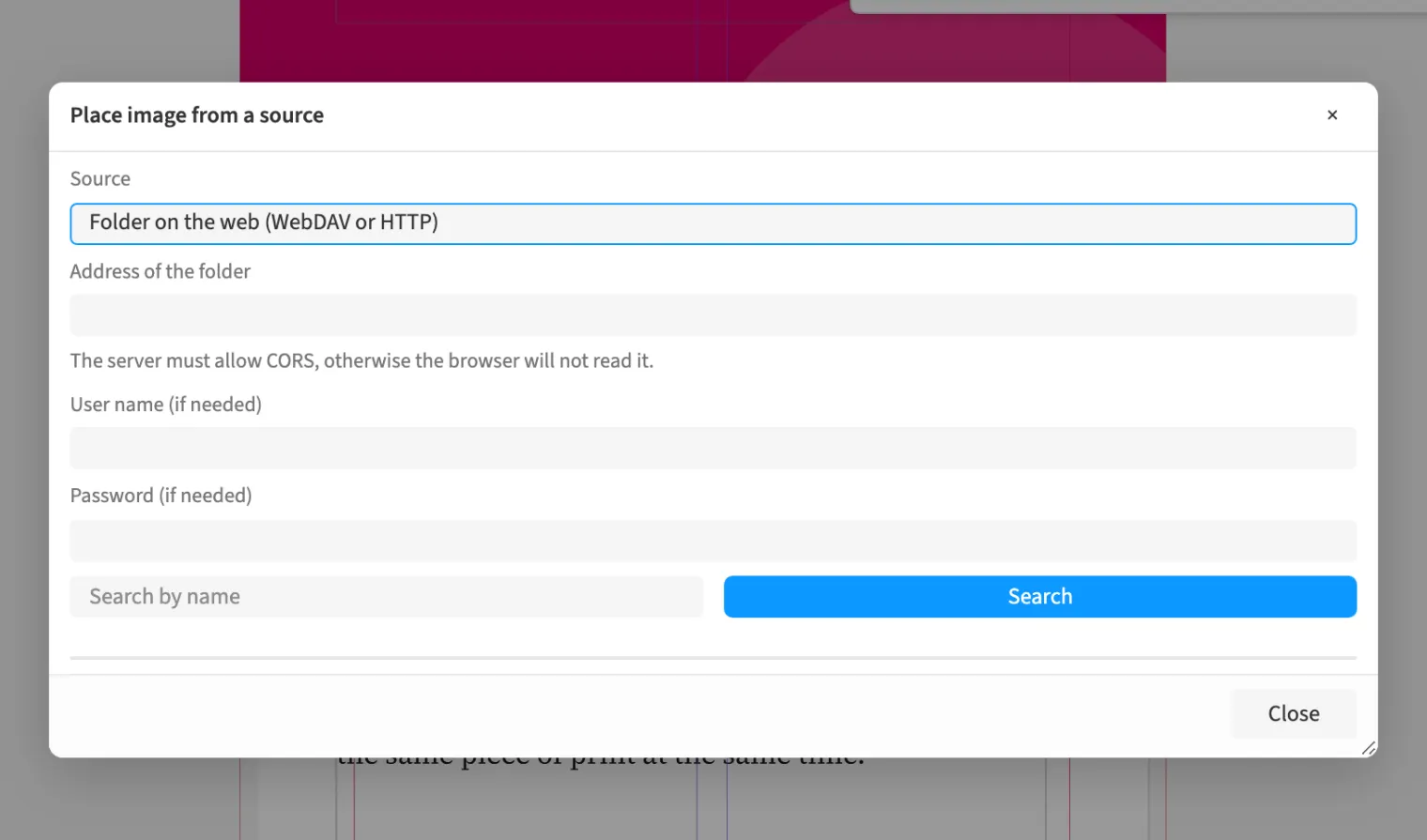
Where to find itPlace image from a source …
Image sources connect the layout to a network folder over WebDAV or HTTP and to Adobe Experience Manager Assets. You browse the source, preview files and place the chosen image. This helps an agency using product pictures from a shared image library. Placement loads the file into the document and remembers where it came from. Updating the link later fetches the new version from the same source.
How to do it
- Use command search to open Place image from a source …
- Choose the Source and browse its images.
- Check the preview and place the chosen image.