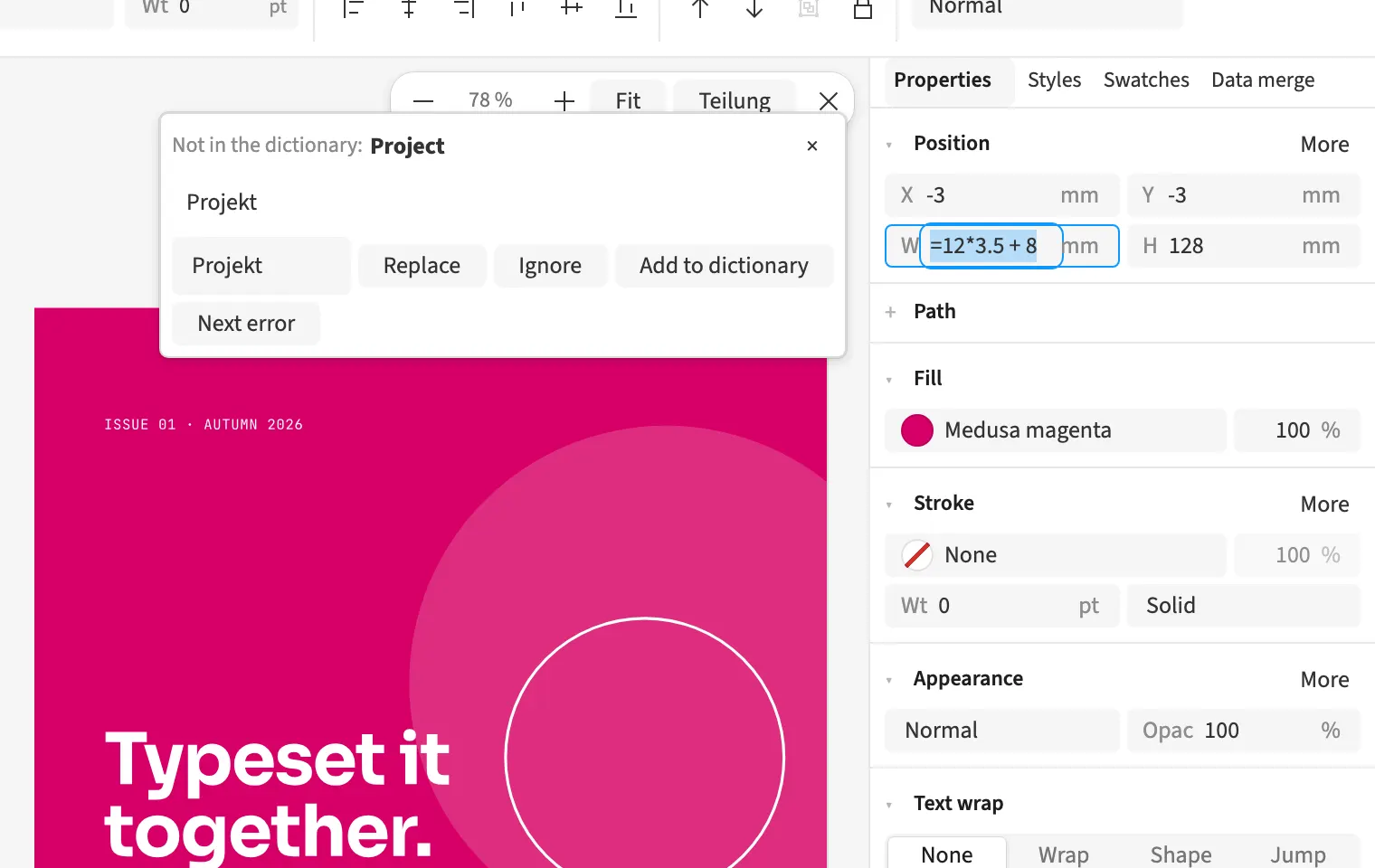
Number fields can evaluate arithmetic expressions and measurement units. You can enter 10+5 or 210/3 and use the result directly as a dimension. Values such as 2cm or 12pt are converted to the appropriate unit. For a three-column brochure, you can calculate a width without opening a calculator first. The field applies the calculated numeric value to the relevant layout setting.
How to do it
- Activate the number field in a panel or dialog.
- Enter an expression such as 210/3 or 2cm.
- Confirm the entry and check the applied value.