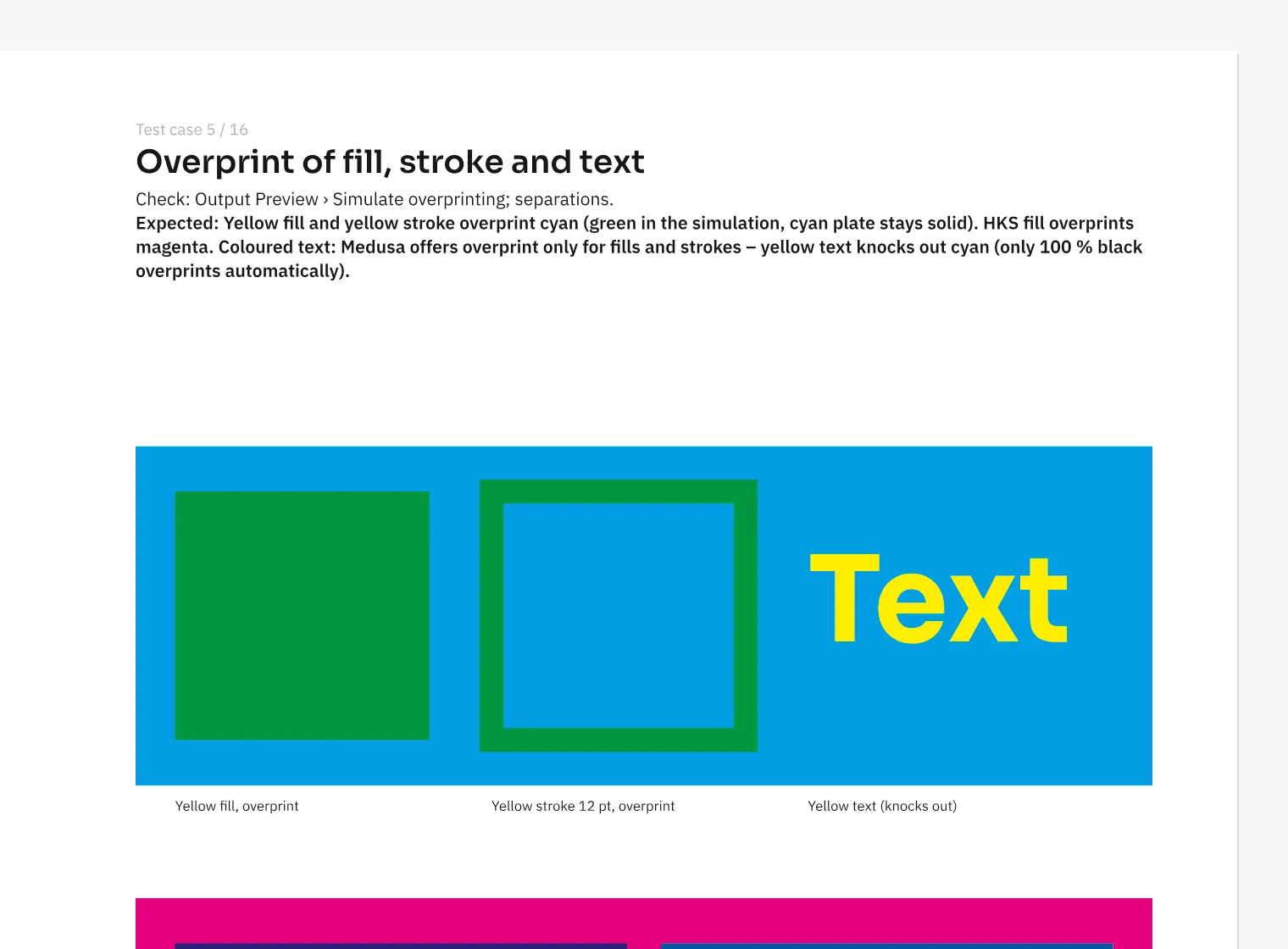
Where to find itView › Overprint Preview (⌥⇧⌘Y)
The print preview calculates plates from the same print data used for PDF output. CMYK images keep their channel values, while RGB images pass through their embedded profile. For a magazine cover, check whether a black headline overprints and a spot colour appears on the right plate. Separation preview shows individual plates, and overprint preview shows their combined appearance with opacity. Chrome and Safari can display the preview in Display P3 on suitable screens. The view itself changes no output settings.
How to do it
- Open «View › Overprint Preview».
- Choose a plate under «View» › «Separations preview».
- Compare spot colour and black with the combined print.
Tips
- Use ⌥⇧⌘Y to toggle overprint preview.
Limits
Spot-colour mixing is approximate, the Hue, Saturation, Color and Luminosity blend modes are not exact, and Firefox displays only sRGB.
Compared
Separation and overprint preview
- Medusa availablefrom print data; spot colours approximated, placed PDFs without own plates
- Adobe InDesign available↗ Adobe: Preview color separations and ink coverage
- QuarkXPresssoft proof↗ Quark: A Guide to QuarkXPress 2025
- Affinity Studio no reliable statement
Vendor sources, as of 25.9.2026 · Full comparison with all sources