Where to find itFile › Document setup … › Typography
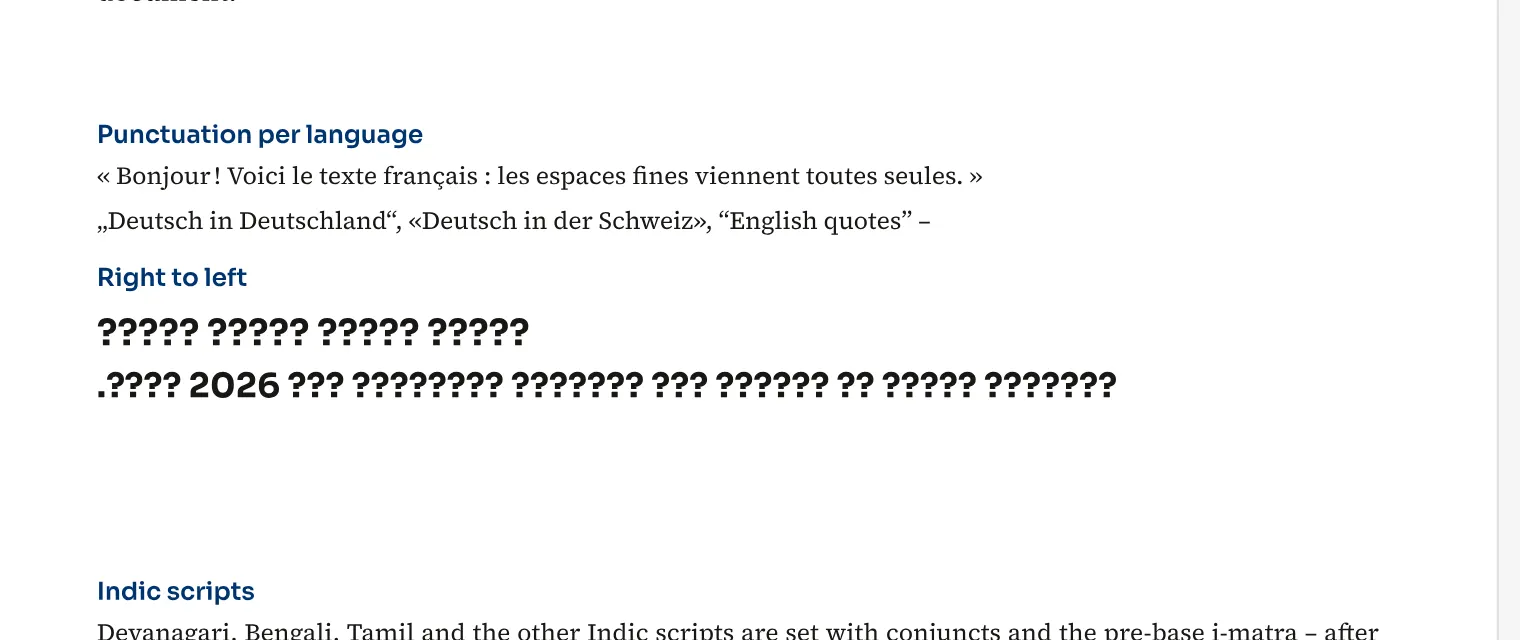
Punctuation spacing follows the language of the paragraph or individual characters. For French, composition inserts narrow no-break spaces before semicolons, exclamation marks and question marks, and no-break word spaces before colons and inside guillemets. Swiss French uses narrow spaces throughout, while Canadian French uses no space before semicolons, exclamation marks or question marks. For a multilingual brochure, you can set these rules in the document without rewriting every passage manually. Stored text stays unchanged, so searching and copying still use the typed character sequence. Spacing is applied during composition and appears in output too.
How to do it
- Open File › Document setup …
- Choose Typography.
- Enable Punctuation spacing by language and check the rules for each language.
- Assign the appropriate language to the paragraphs and check composition.