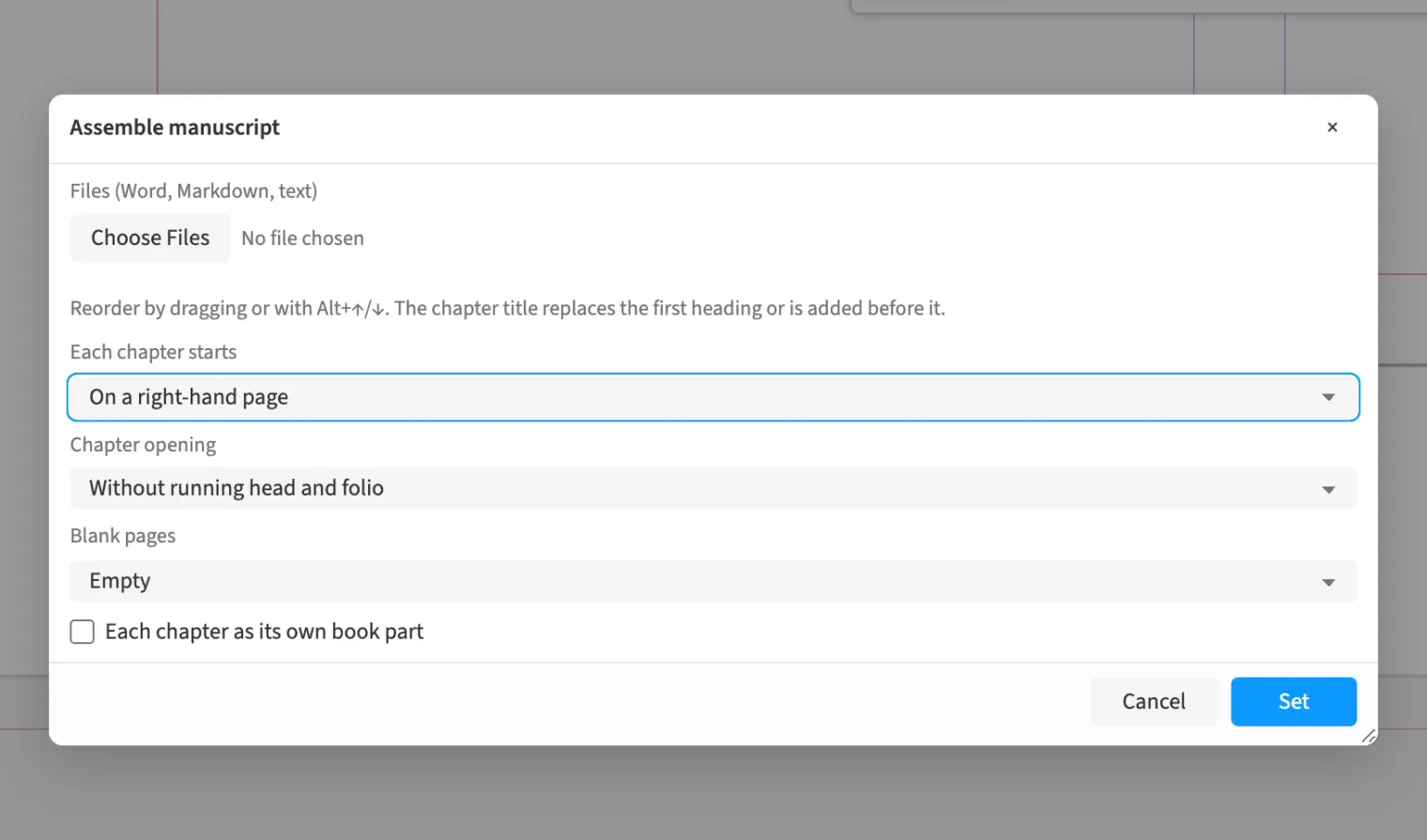
Where to find itFile › Assemble › Assemble manuscript …
You assemble several Word, Markdown or text files in a chapter list and set their order. For a reference book, you map paragraph styles once and use that mapping for all chapters. Autoflow creates the required frames and pages and brings in images and footnotes from readable source files. You can start each chapter on a right-hand page and choose parent pages for chapter openers and blank pages.
How to do it
- Choose «File» › «Assemble» › «Assemble manuscript …».
- Load the chapter files under «Files (Word, Markdown, text)» and arrange them.
- Under «Each chapter starts», choose «On a right-hand page».
- Choose «Set».
- Then check and confirm the shared style mapping for all chapters.
Tips
- Use ⌥↑ and ⌥↓ to change chapter order in the list.