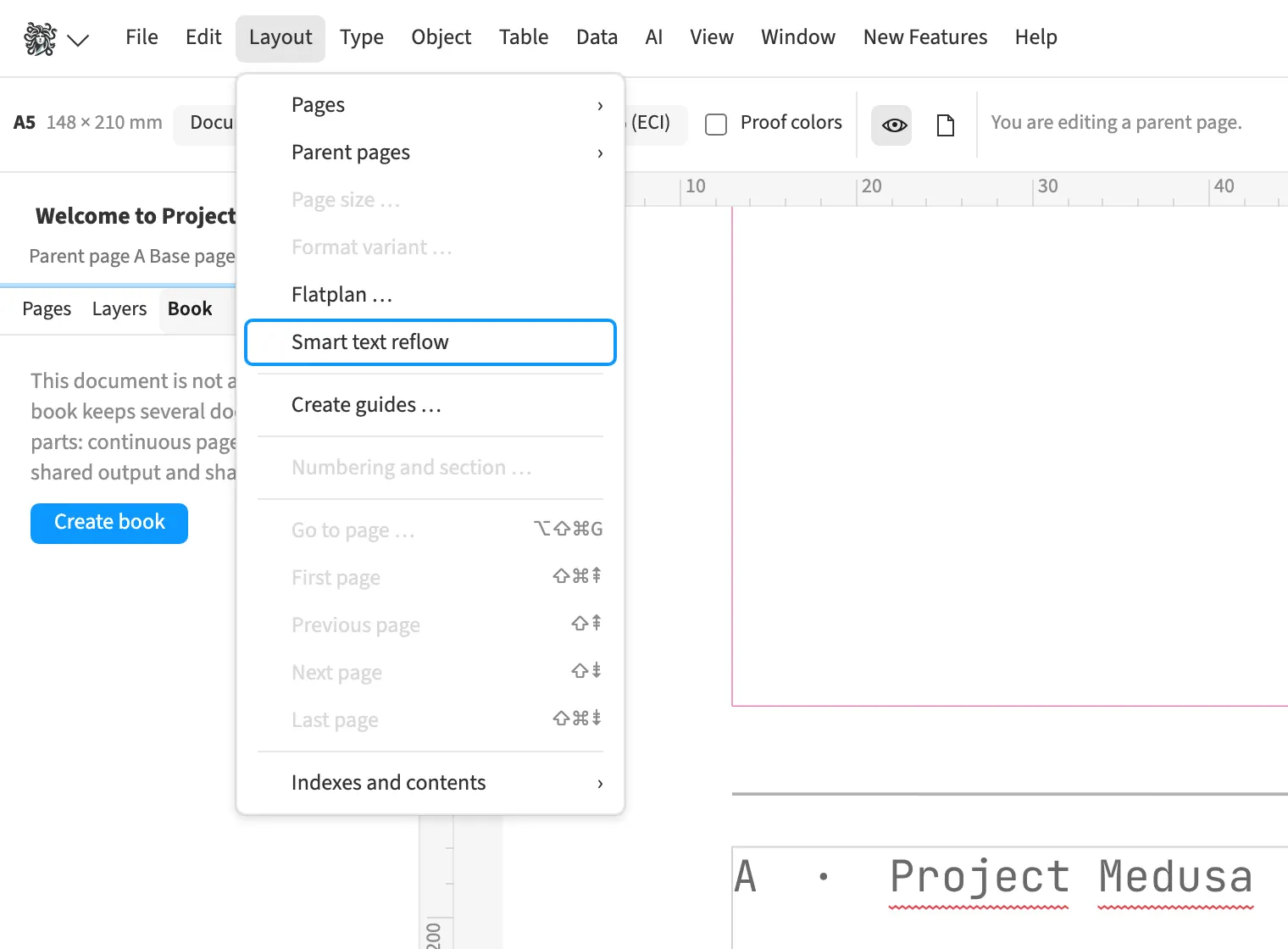
Where to find itLayout › Smart text reflow
Smart text reflow adds pages and text frames when you type beyond the end of the last frame in a thread. A long magazine article can therefore continue into additional frames. You switch this behaviour on or off in the Layout menu. After a substantial addition, check the new pages and line breaks before outputting the document.
How to do it
- Enable «Layout» › «Smart text reflow».
- Continue typing in the last threaded text frame.
- Check the added pages and frames.