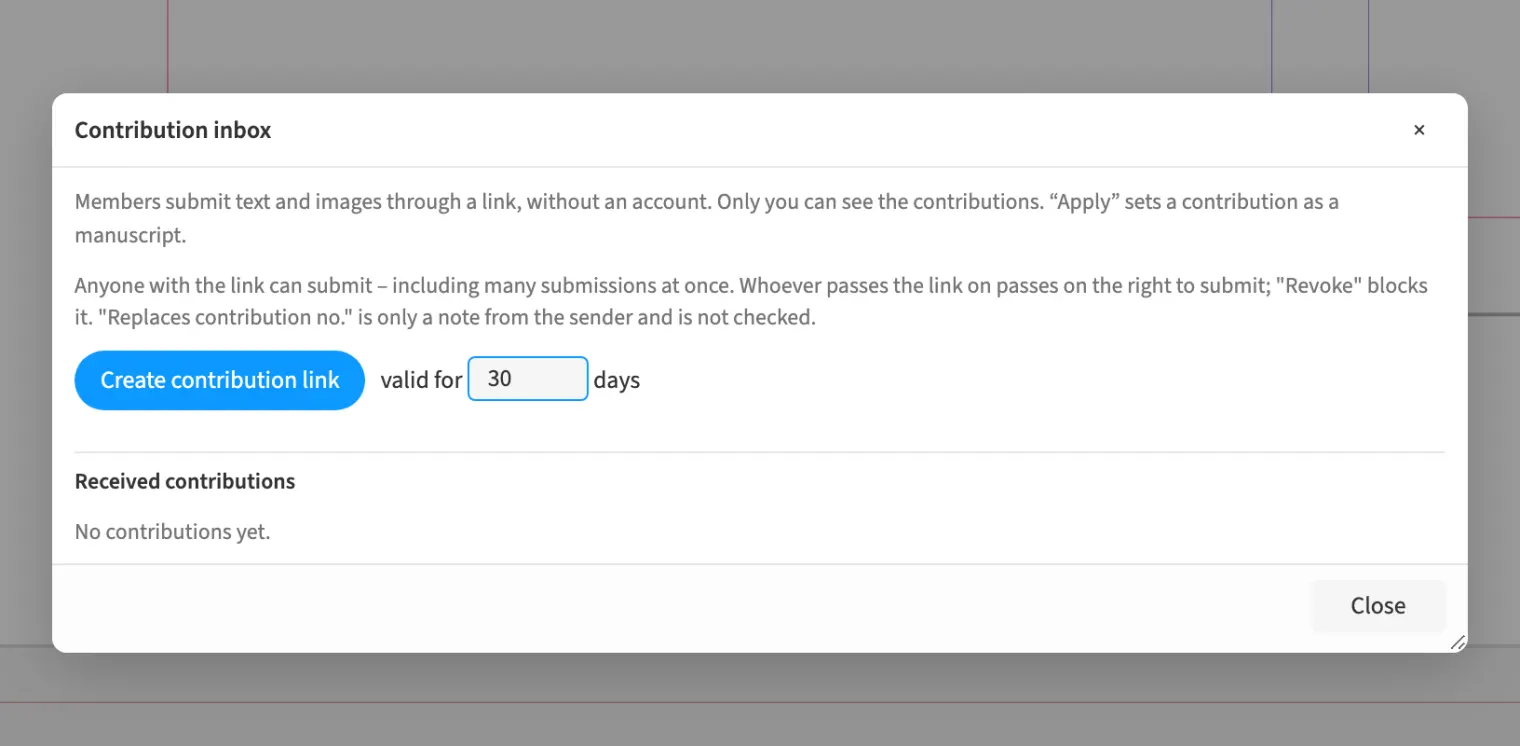
Where to find itFile › Assemble › Contribution inbox …
You create a contribution link through which members submit text and images without an account. For a club magazine, this collects reports as text or Word files and up to five images per contribution with captions and creator details. Submissions appear in the contribution inbox and can be imported as a manuscript. Medusa places the text in the document and adds the submitted images and accompanying text to the text flow.
How to do it
- Choose «File» › «Assemble» › «Contribution inbox …».
- Create a link with «Create contribution link» and share it with contributors.
- Open a submission and check its text and images.
- Choose «Apply» to place it as a manuscript.
Compared
Contribution inbox, no account
- Medusa availablelink for members: text (Word files too) and up to five images with caption and creator; one click places the contribution in the document as a manuscript
- Adobe InDesign no reliable statement
- QuarkXPress no reliable statement
- Affinity Studio no reliable statement
Vendor sources, as of 25.9.2026 · Full comparison with all sources