Where to find itFile › Print … · ⌘P
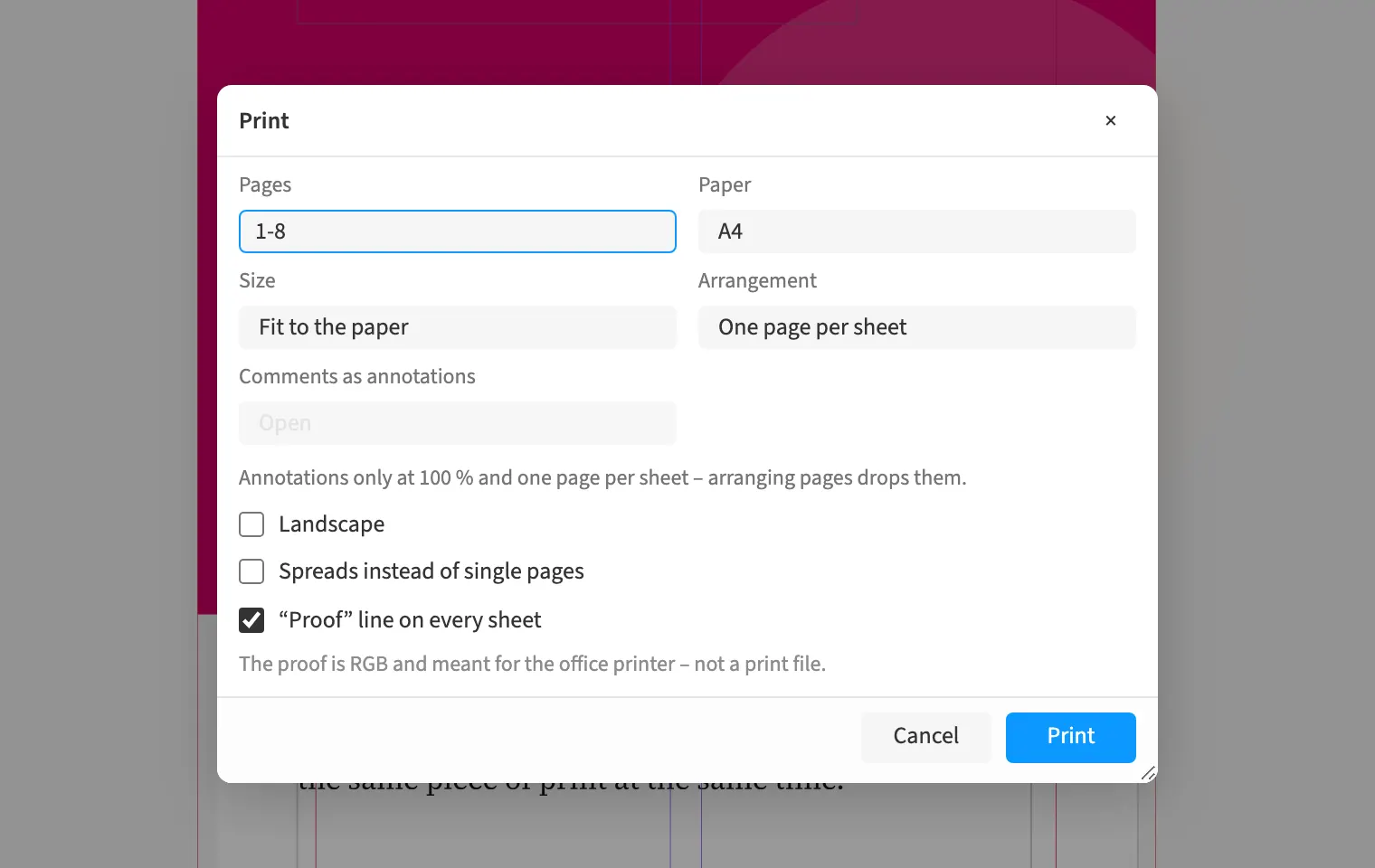
The proof carries the document name, page, date and a “not for print” notice in the sheet margin. A print shop can use this to distinguish a review copy from a production file. The marking appears on every output sheet and remains visible when pages are passed around separately. You can distribute this proof for checking text and design. For the final print file, use regular PDF export with the appropriate output presets.
How to do it
- Choose File › Print …
- Choose the page range and enable “Proof” line on every sheet.
- Generate the proof and check its margin marking.