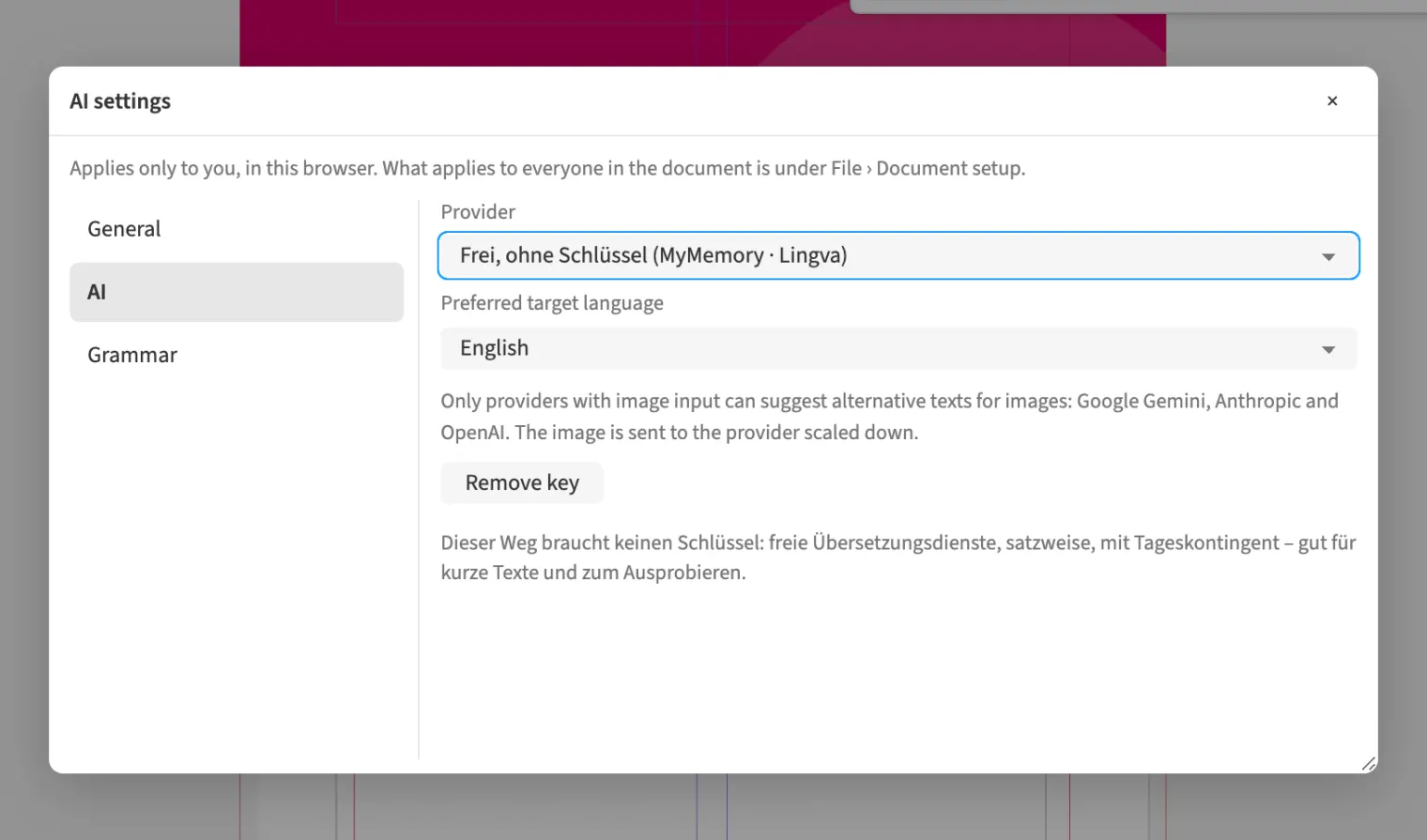
Where to find itAI › AI settings …
The AI menu groups text suggestions, shortening, document translation, alternative texts and background removal. Choose a provider for the task in the AI settings. For agency brochure copy, use a provider supporting text suggestions or shortening, while translation allows additional providers. Image descriptions require a provider with image understanding. Review suggestions in the relevant working dialog and decide whether to apply them. The settings therefore determine which helpers are available for your next task.
How to do it
- Open «AI › AI settings …».
- Choose a provider for the intended task.
- Then open the required helper in the «AI» menu.