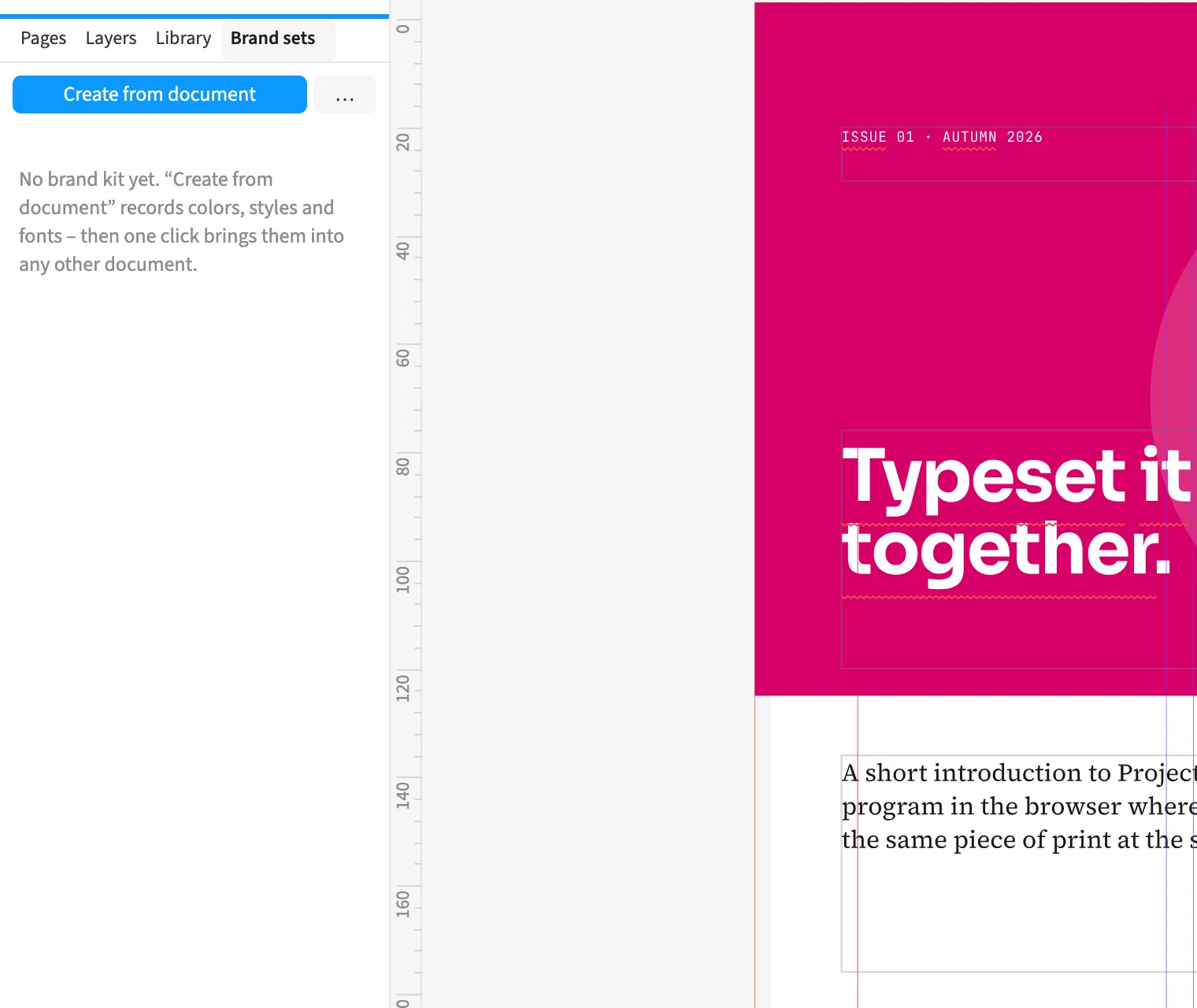
Where to find itWindow › Brand sets
Brand kits collect house colours, styles, fonts, logos, workspaces and export presets. The library stores reusable objects and styles for later documents. For an agency’s series of publications, you can choose a brand kit when creating a new document. Applying it adds missing colours and styles and overwrites entries with matching names using the kit’s settings. You can pass these resources to other people as files so they use the same design rules.
How to do it
- Open Window › Brand sets.
- Select the brand kit you need.
- Click Apply.
Limits
Brand kits and libraries live in the browser and do not yet form automatically synchronised team storage.