Where to find itData › List in text flow …
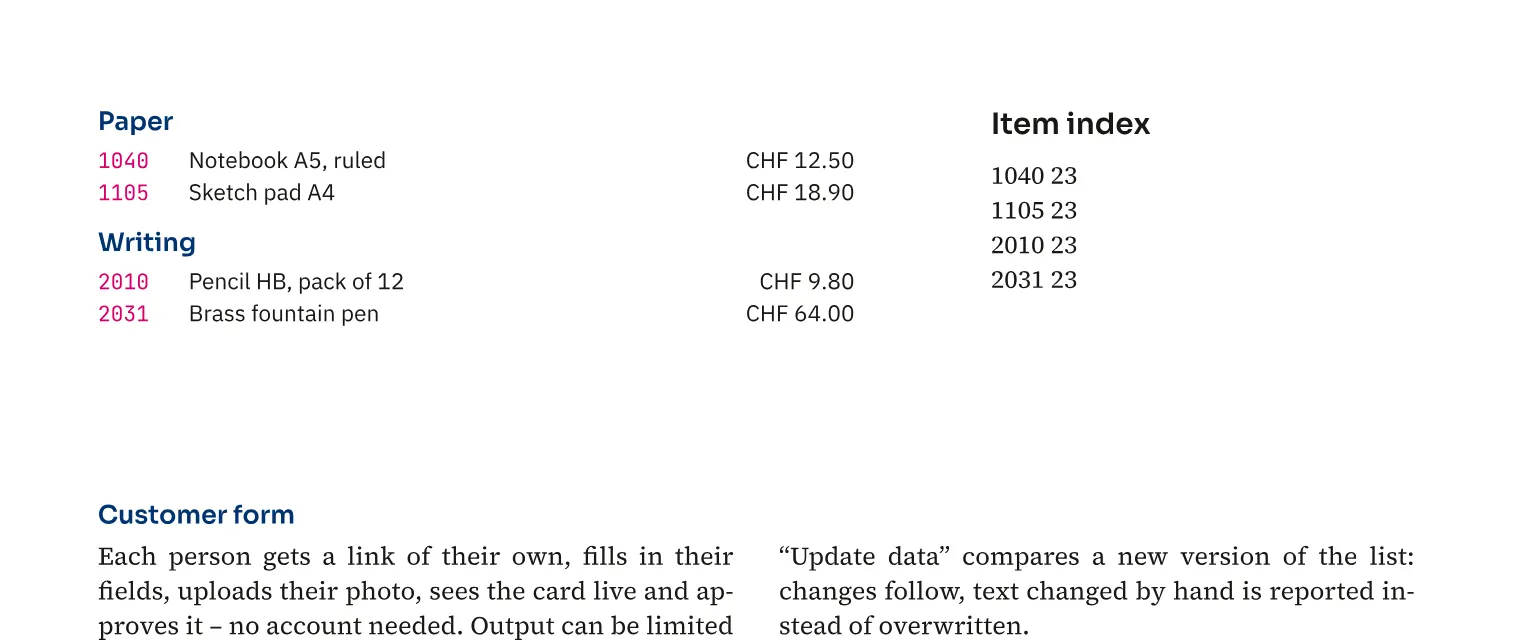
You repeat a paragraph block with data placeholders for each record and flow the list through threaded frames. A long catalogue assortment list then gets the space its text actually needs. Group headings organise product groups, missing pages are added and empty fields can omit their paragraph. Item numbers can be collected in a separate index with page numbers that updates when the list is set again.
How to do it
- Load a data source and design a paragraph block with “<<Field>>”.
- Place the cursor in that block or select its frame.
- Open «Data» › «List in text flow …».
- Set grouping and the index and choose «Set».
Compared
Catalogue from data, update for the next edition
- Medusa availablelist in the text flow with item index; match a new data version by key, hand edits flagged as conflicts
- Adobe InDesign“Update Content in Data Fields” with placeholders on parent pages↗ Adobe: Add and edit data fields
- QuarkXPresslinked Excel tables can be updated↗ Quark: Guide 2025 – Boxes, tables, Excel
- Affinity Studiogenerate the data merge again↗ Affinity: Data merge
Vendor sources, as of 25.9.2026 · Full comparison with all sources