Where to find itData › Data merge
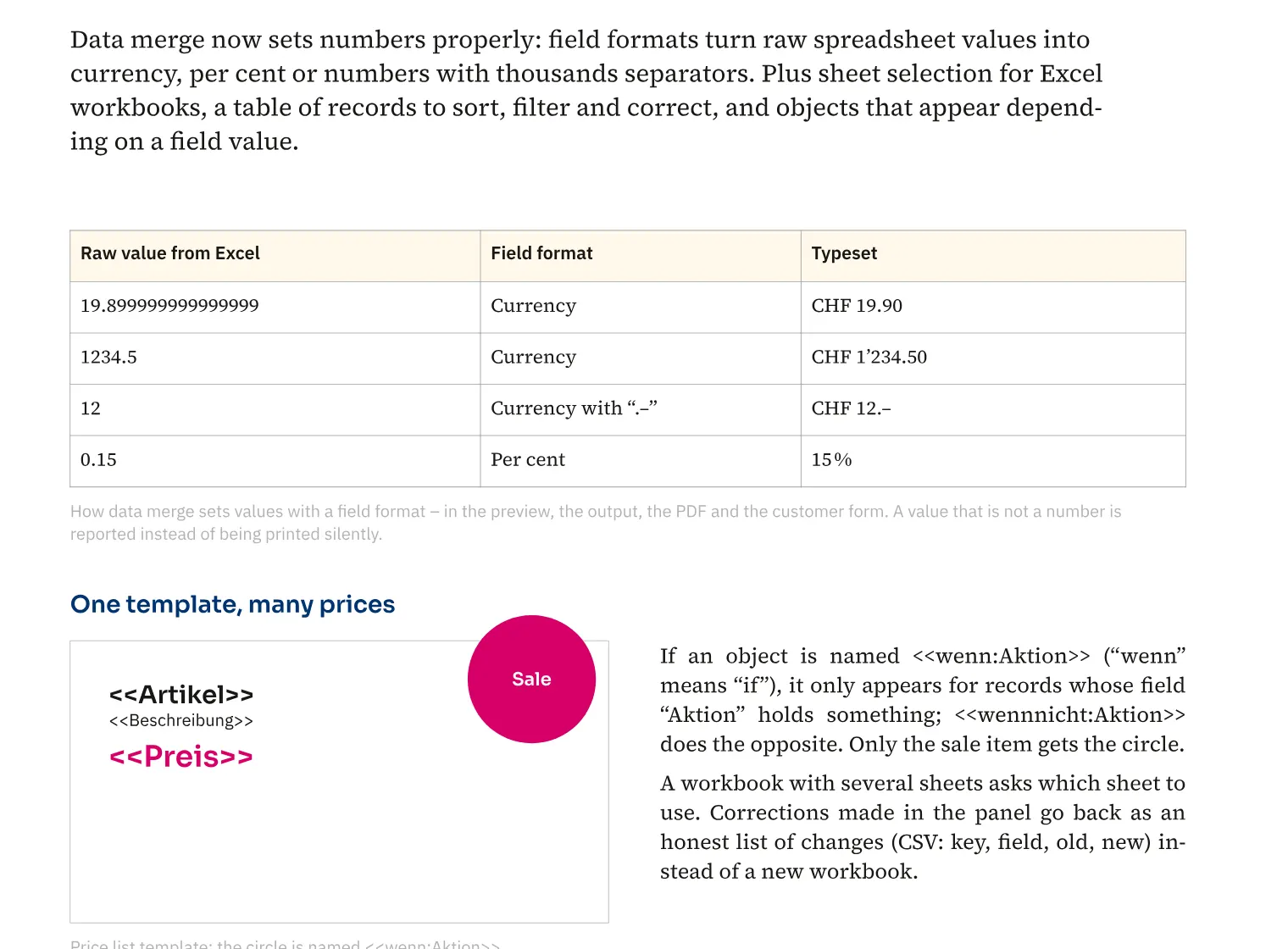
You give data fields a number, currency or percentage format. For a product list, this lets you display amounts with a currency label and round amounts ending in “.–”. Conditions based on field values also control whether an object appears for a record. A catalogue can therefore show a note only for relevant items, and data merge respects this visibility in PDF output too.
How to do it
- Open «Data» › «Data merge».
- Select the data field and set its number or currency format.
- Check several records in the preview.