Where to find itObject › Place › Chart …
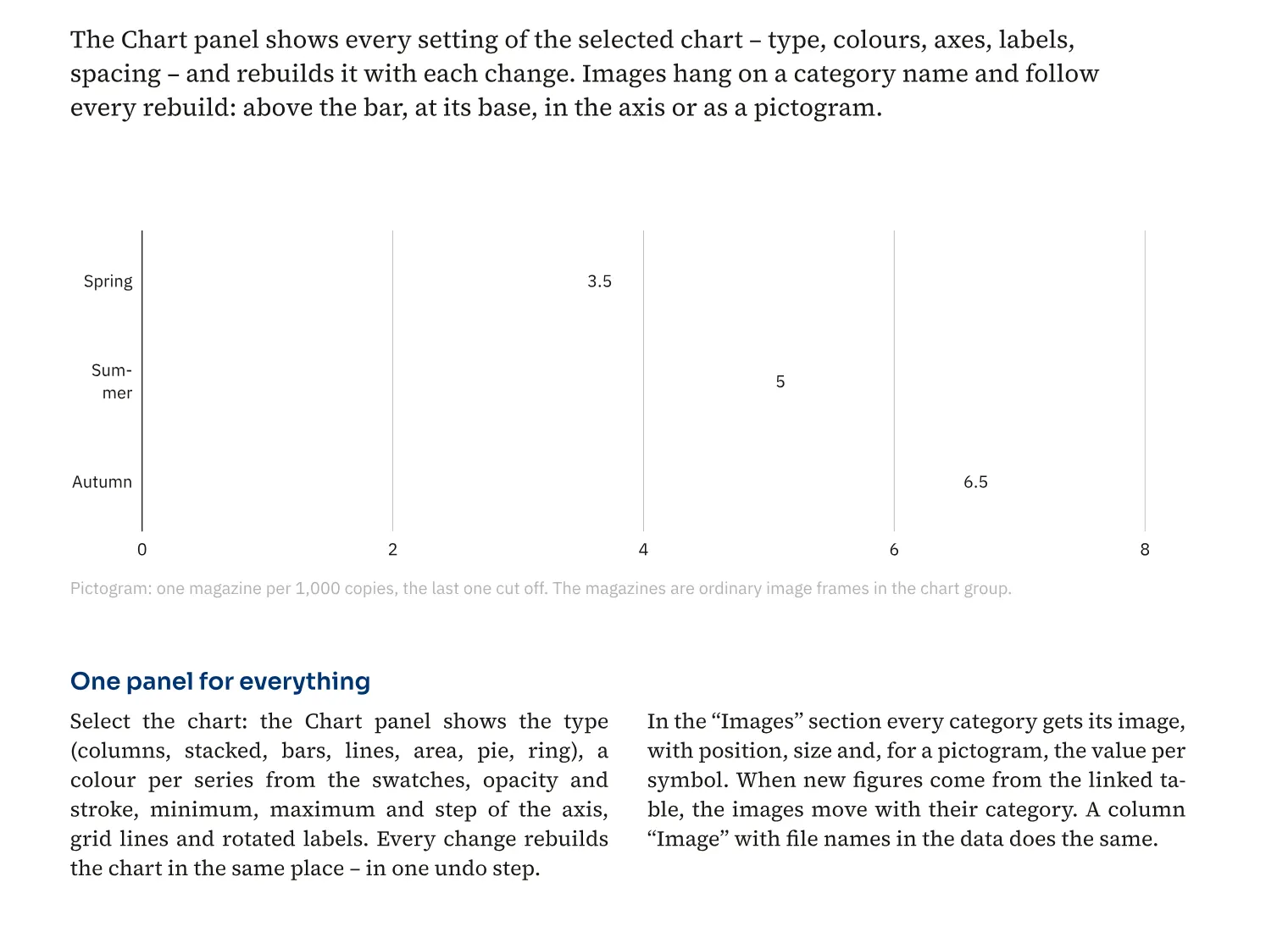
You assign an image to each chart category. For a catalogue product comparison, the product photograph can sit above the bar, at its foot or on the axis. As a pictogram, the image can also represent the value. The assignment follows the category and stays with it when the chart changes.
How to do it
- Open a chart for editing.
- Add the image column through «Image» and enter a file name for each category.
- Assign the images and choose their position in the chart.