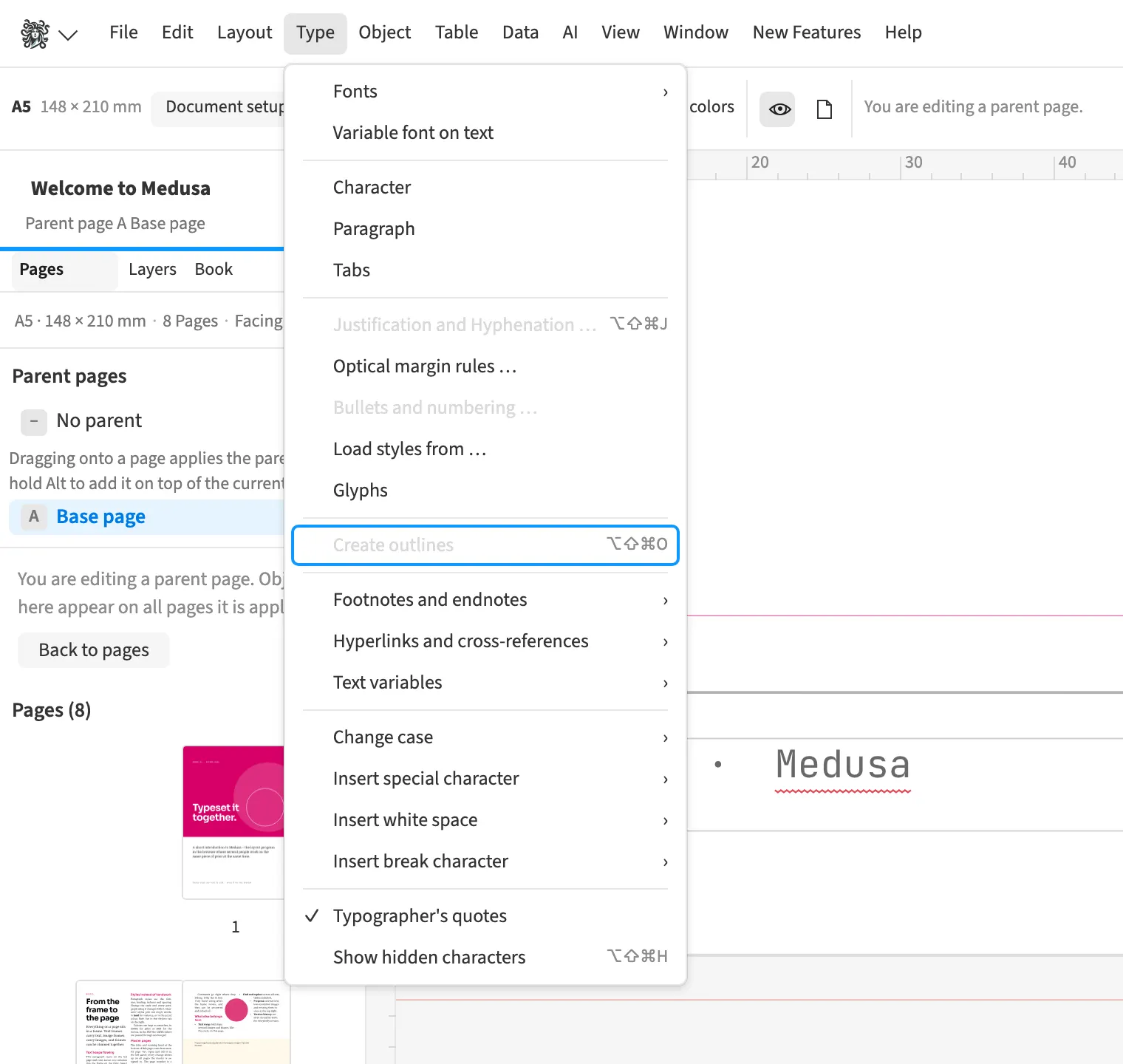
Where to find itFont › Create outlines (⌘⇧⌥O)
You convert typeset text to outlines while preserving glyph positions, including descenders. For logo lettering, you can then edit the outlines as vector shapes. This also supports output for a font without embedding rights. Converted text can remain readable in an accessible PDF, but editing the paths invalidates the stored original text.
How to do it
- Select the text frame or the characters to convert.
- Choose «Font» › «Create outlines».
- Check the outlines and edit them with «Direct Selection» if needed.
Limits
Editing the paths invalidates the stored original text for accessible output.