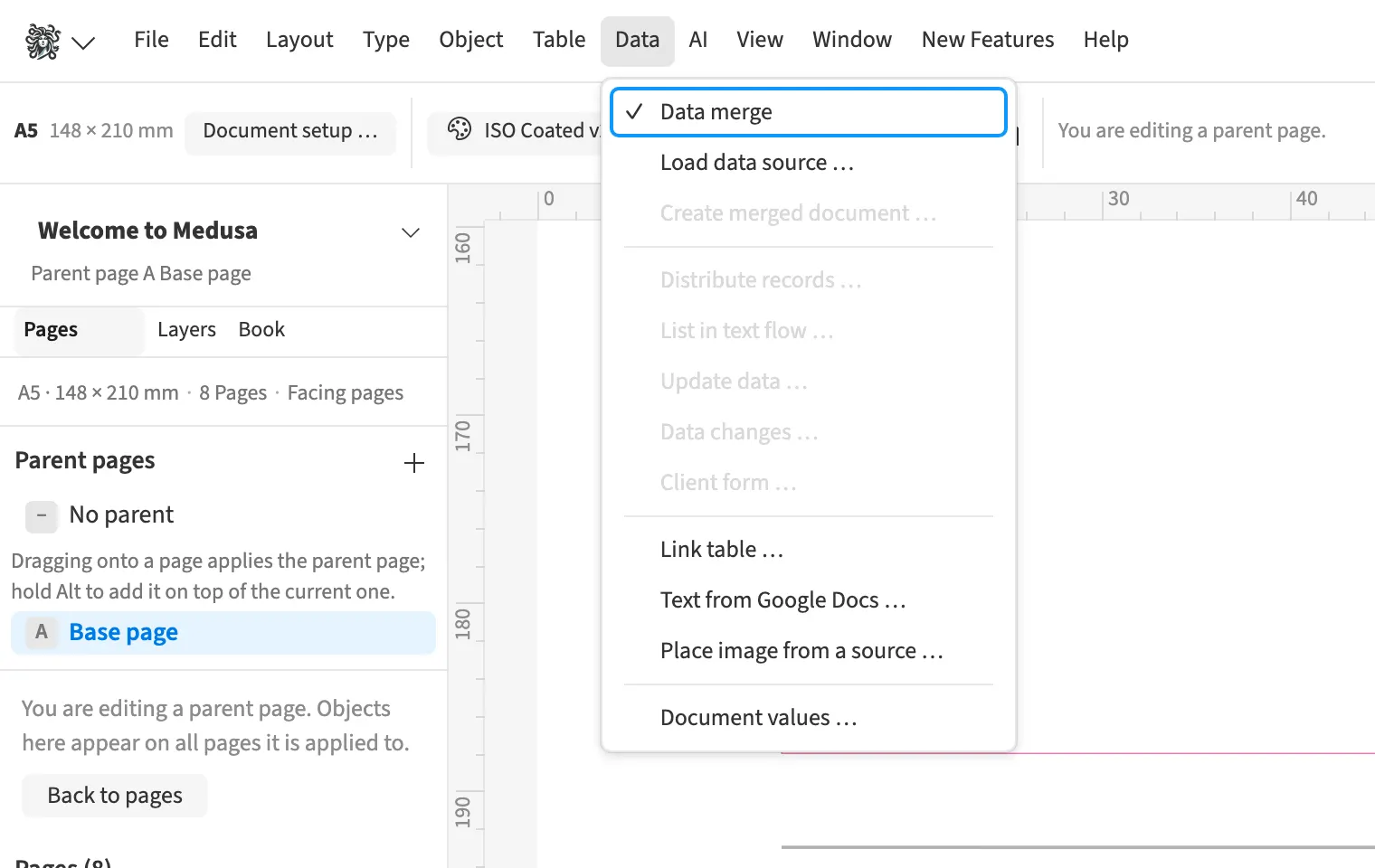
Where to find itData › Data merge
You sort, filter and correct records in the data panel before output. For an agency mailing, you can review a subset and choose the relevant sheet in an Excel workbook. The preview provides sample values for fields and helps locate records with problems. Merge page numbering restarts for each record, giving each two-page mailing its own page references.
How to do it
- Open «Data» › «Data merge» and load the list.
- For Excel, select the required worksheet.
- Sort or filter records and check the preview.
- Use «Next with a problem» to inspect reported records.