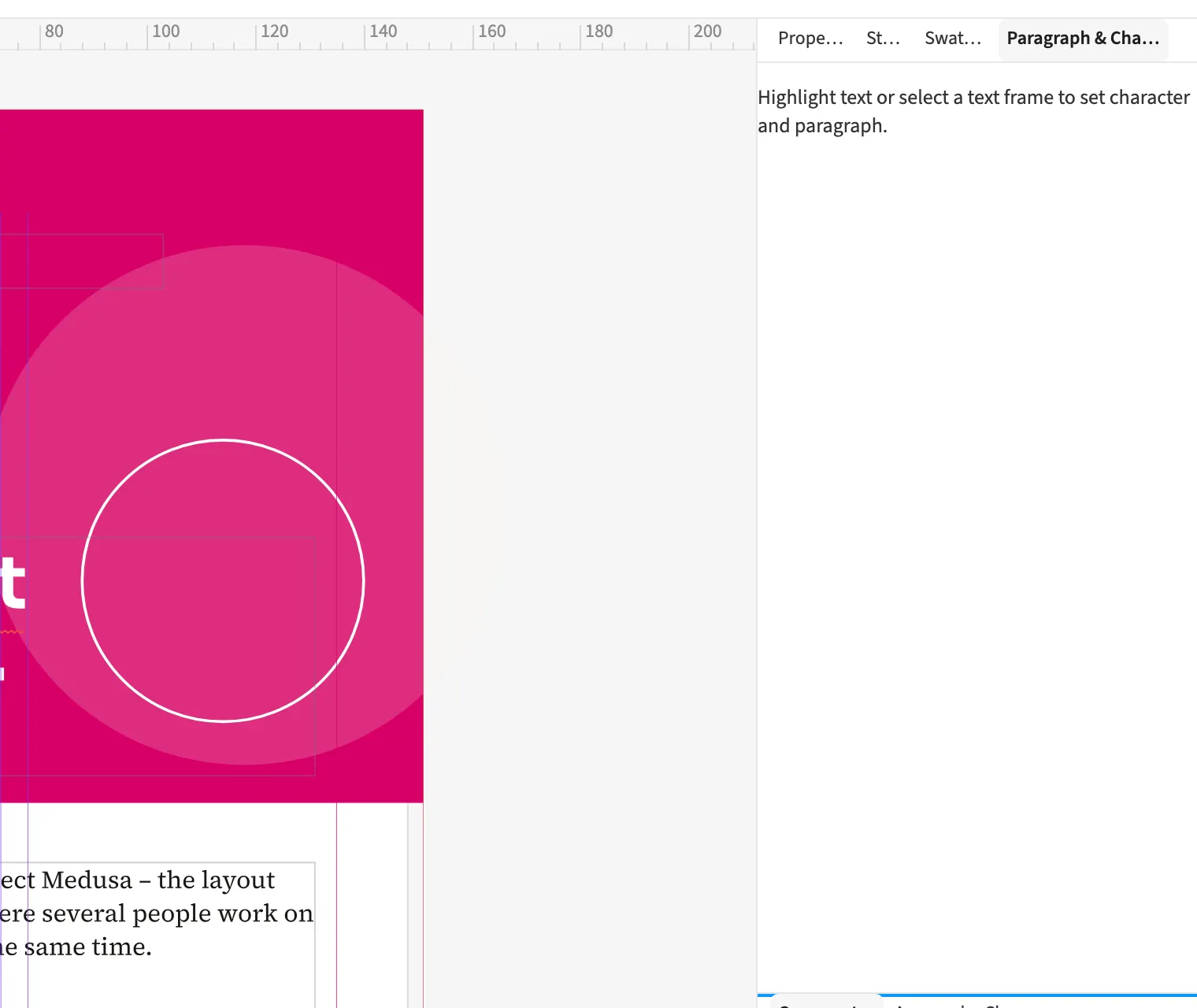
Where to find itFont › Character
The Paragraph & Character panel collects settings for the current text selection. It provides character values, OpenType, variable axes and advanced paragraph settings. During book production, you can change a paragraph’s indent and then adjust its drop cap or keep options. Expandable groups keep tabs, nested styles and GREP styles available in the same place. The panel works on the selected text, letting you check its effect directly on the page.
How to do it
- Select the text you want to edit.
- Open Window › Text › Paragraph & Character.
- Expand the required group and change its values.
- Check the line breaks on the page.