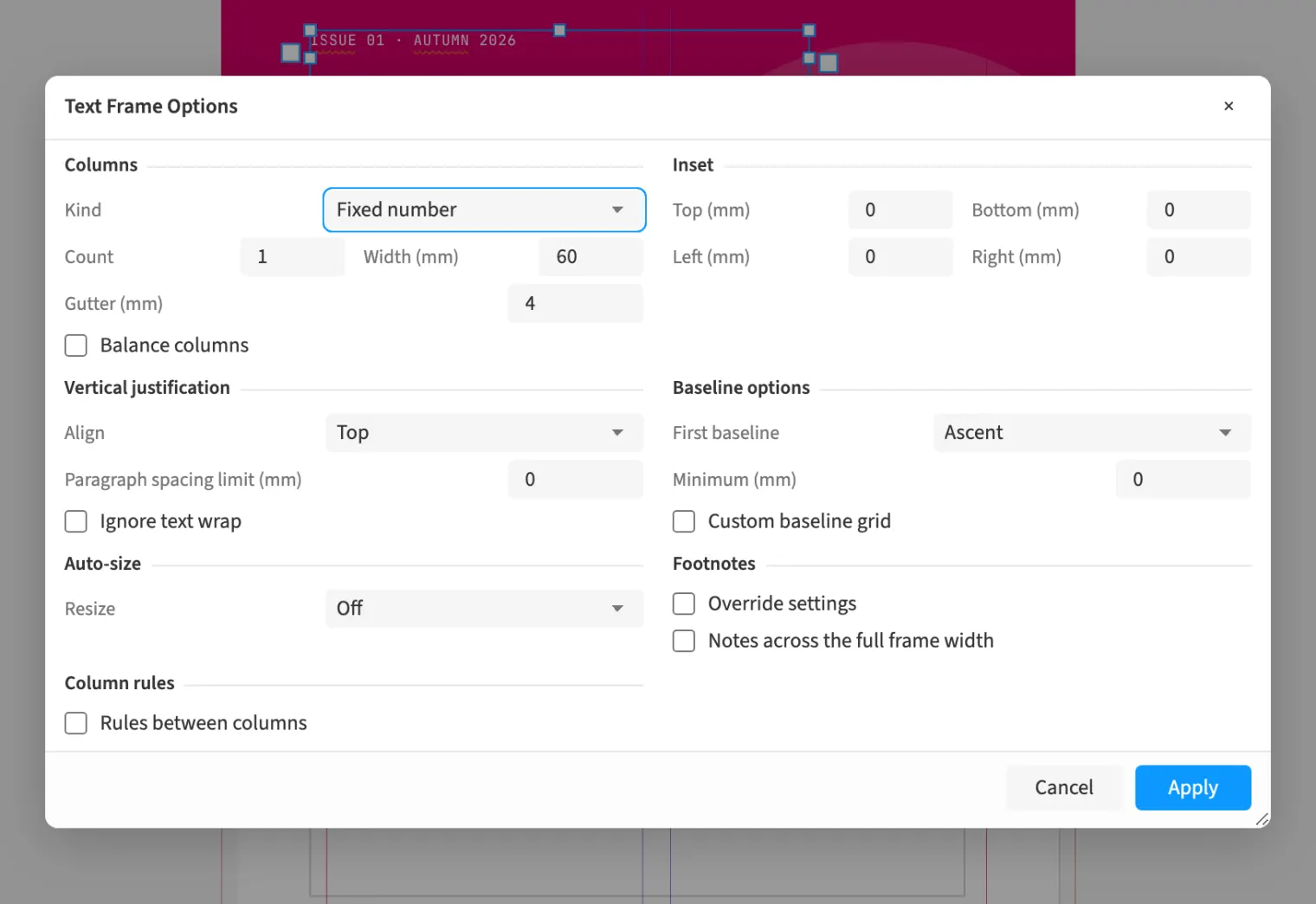
Where to find itObject › Text Frame Options … · ⌘B
Text frame options control columns, insets and vertical text distribution. You can choose fixed or flexible column widths and set the inset separately on each side. In a book’s information box, this keeps text away from the border and lets you position its first baseline. Column rules separate the columns, and a frame-specific baseline grid allows a different line increment. Auto-sizing adjusts the frame to its text. Check the text flow afterwards because changed widths and insets affect composition.
How to do it
- Select the text frame.
- Open Object › Text Frame Options …
- Set columns, insets and First baseline.
- Check the line breaks on the page.
Tips
- ⌘B opens text frame options for the selection or the frame containing the cursor.