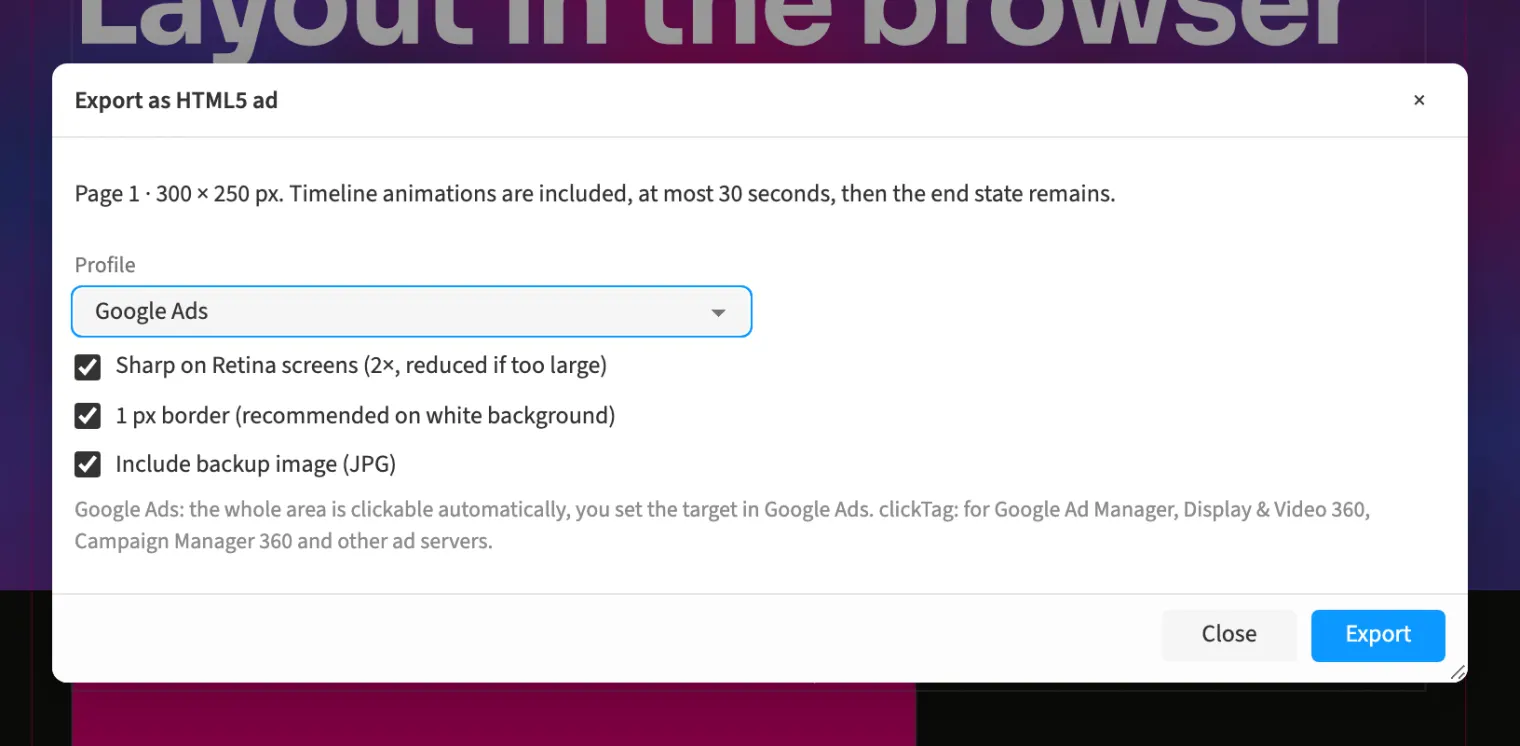
Where to find itFile › More formats › Export as HTML5 ad …
Ad export creates an HTML5 package from the designed page and its animations. For an agency campaign, choose a standard size and review the live checklist before delivery. The Google Ads profile makes the whole area clickable, with the destination set in the advertising account. Other supported ad servers can use a clickTag profile with a destination in the export dialog. Include a JPG backup image when needed and download a ZIP containing the required files. Export also reports errors to resolve before uploading.
How to do it
- Open «File › More formats › Export as HTML5 ad …».
- Choose «Profile» and, for the clickTag profile, «Click target (clickTag)».
- Enable «Include backup image (JPG)» when needed.
- Click «Export» and review reported errors before uploading.
Compared
HTML5 ads for Google Ads
- Medusa availableclickTag, checklist, ZIP
- Adobe InDesignHTML5 export↗ Adobe: Export content as HTML5
- QuarkXPressHTML5 publications↗ Quark: QuarkXPress / Digital Publishing
- Affinity Studioexport: PDF, SVG, JPEG, PNG, TIFF, EPUB↗ Affinity: Page layout software (FAQ)
Vendor sources, as of 25.9.2026 · Full comparison with all sources