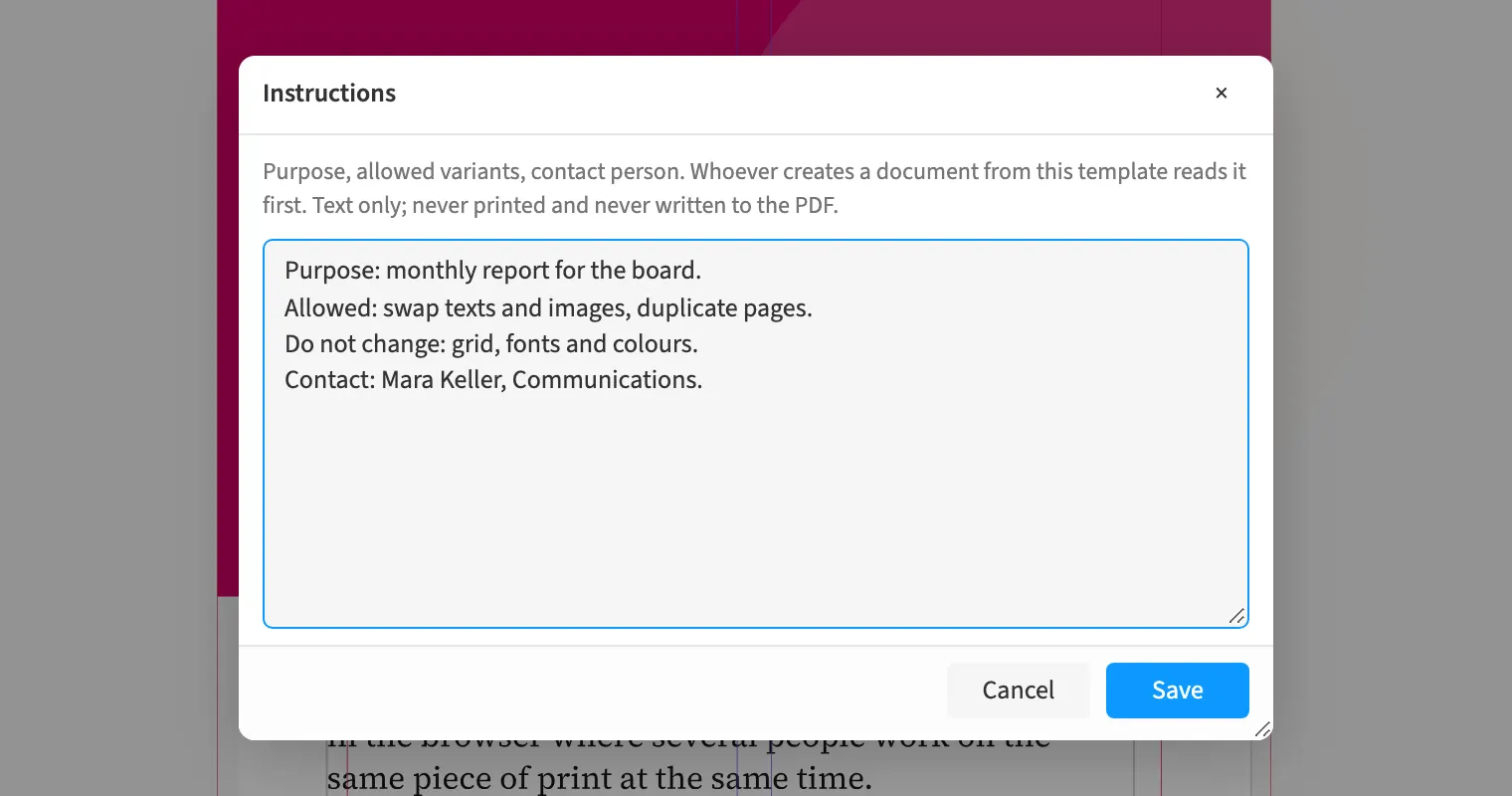
Where to find itFile › Instructions …
A template carries its own instructions: purpose, permitted variations and a contact person stand as text in the document. Whoever creates a new document from the template reads them first and confirms with «Got it». Later you open them again from the File menu. The instructions travel with the template and with the package. They never reach a PDF or a printout.
How to do it
- Open «File › Instructions …» in the template.
- Write down the purpose, the permitted variations and a contact person.
- Save with «Save».
- Create a document from the template; the instructions appear before work starts.
Tips
- To protect the instructions from changes, share the template for reading only.
Limits
The instructions are plain text of at most 2000 characters, with no formatting, images or links that get loaded. Everyone with write access can change them.