Where to find itFile › Export …
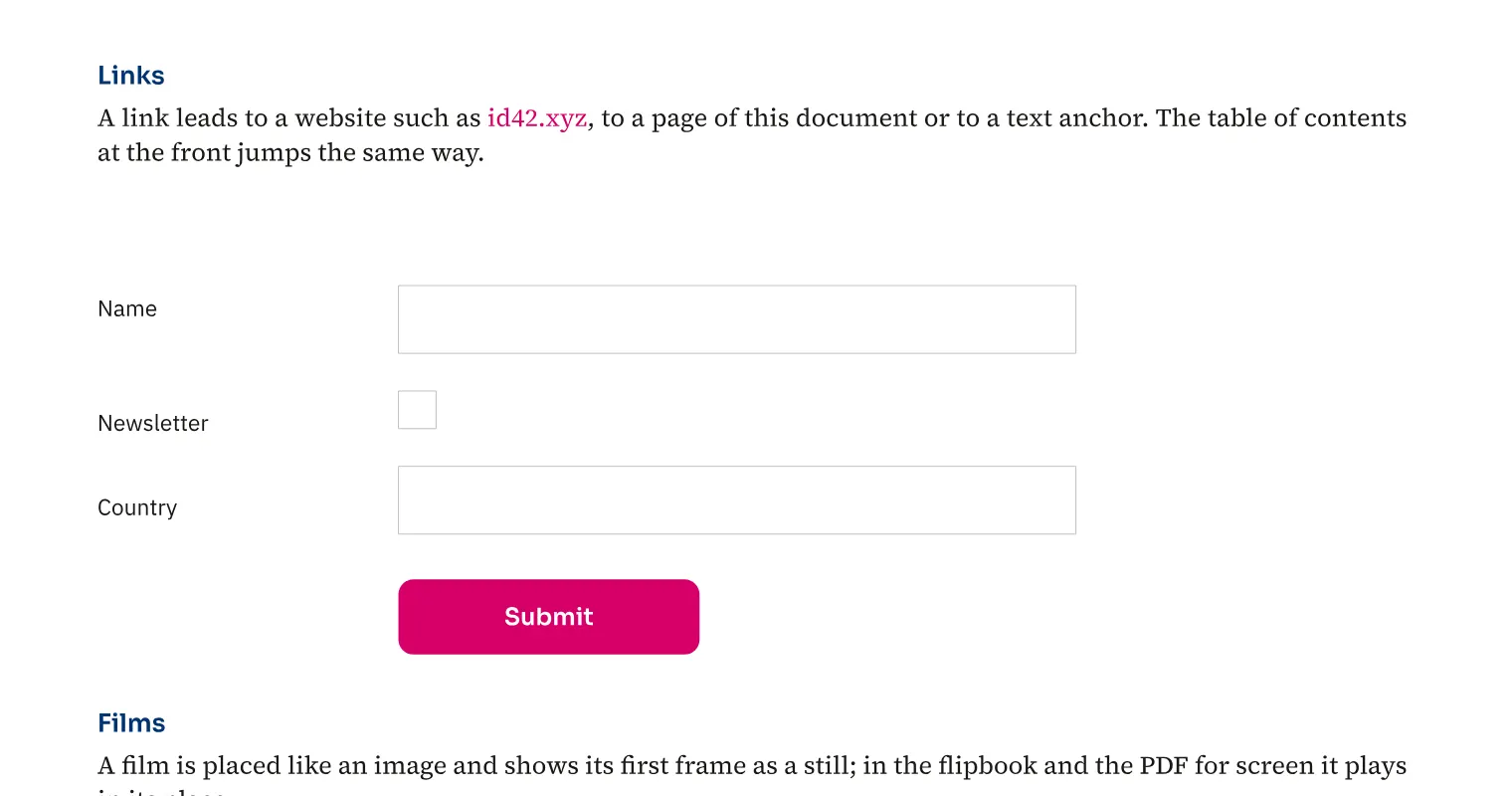
Interactive PDFs can contain text fields, check boxes, lists, signature fields and required fields. For an agency registration form, create fields in the layout and give them understandable names. Buttons can trigger actions, and output can include films and page transitions. During export, choose whether forms and media remain in the file. Check the finished file in the PDF viewer used by recipients to assess how the form works.
How to do it
- Open «File › Export …».
- Choose PDF without the PDF/X-4 standard.
- Enable «Forms and media» and any required «Hyperlinks».
- Click «Export» and test the PDF fields.
Limits
PDF/X-4 output omits interactive forms and media.
Compared
PDF form fields
- Medusa available
- Adobe InDesign available↗ Adobe: Create fillable forms
- QuarkXPress no reliable statement
- Affinity Studio no reliable statement
Vendor sources, as of 25.9.2026 · Full comparison with all sources