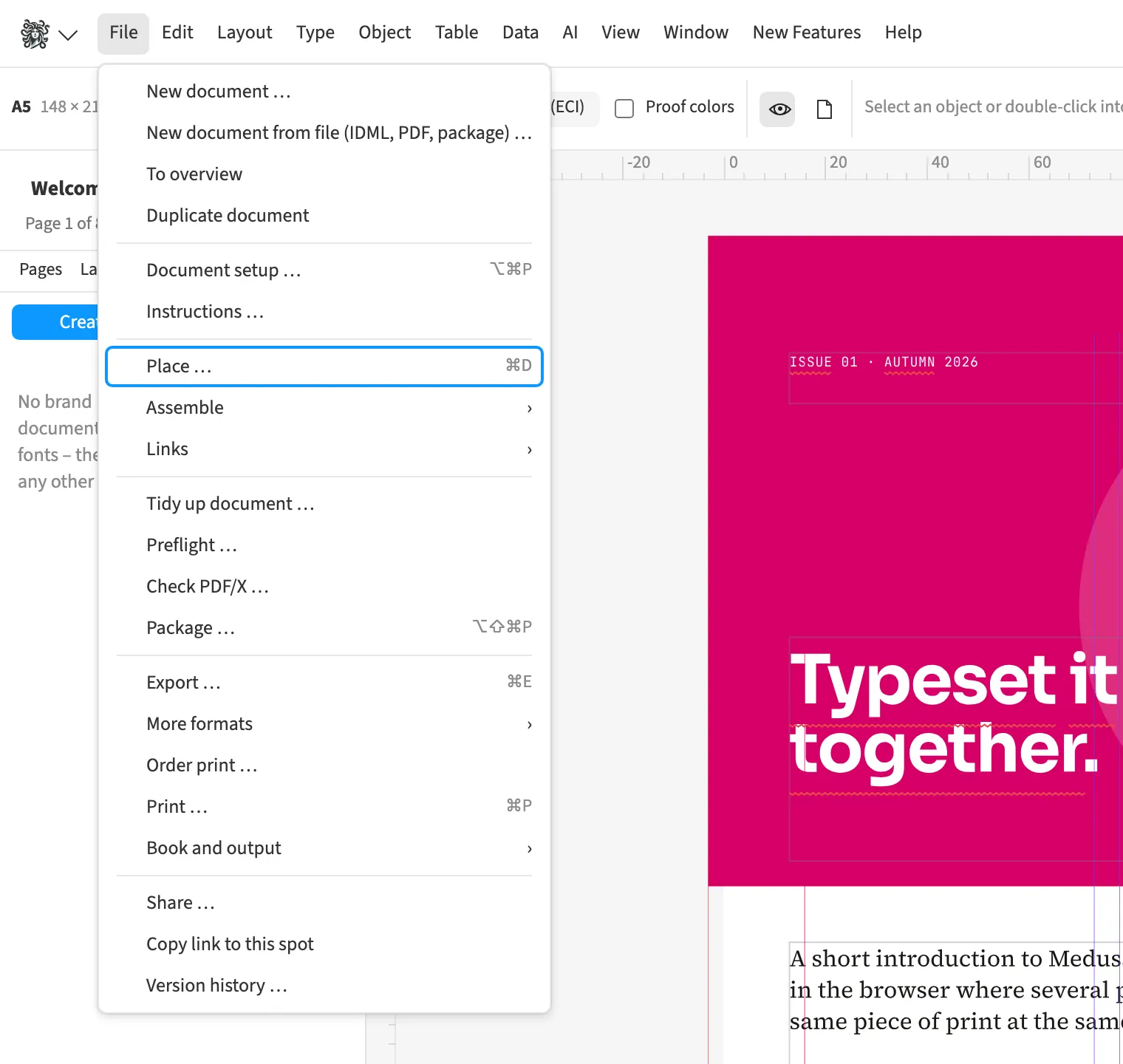
Where to find itFile › Place … (⌘D)
When loading a Photoshop file, Medusa recomputes layers with masks, blend modes and supported adjustments. These include 16-bit images, levels, curves and drop shadows. Layered TIFF files and placed AI files are also supported. A clipping path from PSD or TIFF can supply the image frame’s shape, for example for a cut-out catalogue product. CMYK image data stays CMYK and provides the basis for print output.
How to do it
- Choose File › Place …
- Select the PSD, TIFF or AI file and place it.
- Check appearance, frame shape and colour in the layout.
Compared
Photoshop layers and spot channels
- Medusa partlylayers, masks, blend modes recomposed, deviations marked; spot channel as its own plate
- Adobe InDesign availablelayers and layer comps↗ Adobe: Import files, graphics and metadata
- QuarkXPress availablelayers, channels, paths; spot channels assignable↗ Quark: Guide 2025 – Pictures (PSD Import, clipping)
- Affinity Studiolayers editable↗ Affinity: Place images
Image in any shape
- Medusa availablerectangle, ellipse and closed paths as image frames; the clipping path of a PSD or TIFF file becomes the shape of the frame
- Adobe InDesign availableellipse, polygon, text outlines↗ Adobe: Draw placeholder shapes
- QuarkXPress availableBézier boxes, text to boxes↗ Quark: Guide 2025 – Boxes, tables, Excel
- Affinity Studio availableany shape as picture frame↗ Affinity: Picture frames
Vendor sources, as of 25.9.2026 · Full comparison with all sources