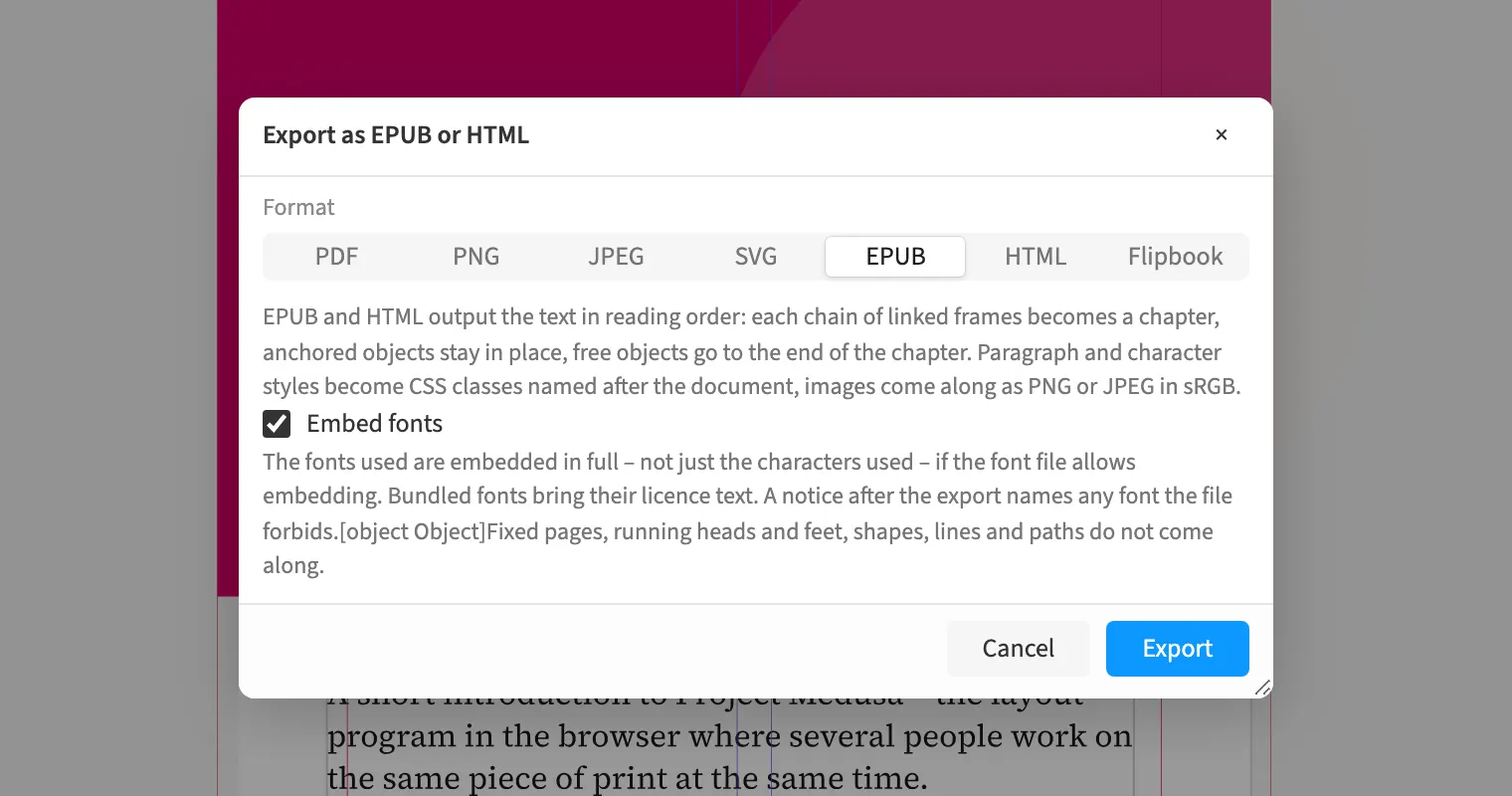
Where to find itFile › Export …
Choose PNG, JPEG or SVG for per-page image output. An agency can generate previews and reusable page graphics from the same layout. EPUB and HTML output the text flow and can embed the fonts used when the font file permits it. Export reports fonts omitted because of embedding permissions. To hand over the editable production, package the document with images and fonts in a ZIP.
How to do it
- Open «File › Export …».
- Choose PNG, JPEG or SVG and the page range.
- For text flow, choose EPUB or HTML and review «Embed fonts».
- Click «Export» and read any font notices.
Limits
EPUB and HTML output text flow rather than fixed document pages, and restricted fonts are not embedded.
Compared
EPUB
- Medusa partlyreflowable, no fixed layout; fonts embedded where the font file allows it
- Adobe InDesign availablereflowable and fixed↗ Adobe: Export to EPUB
- QuarkXPress availablereflowable and fixed↗ Quark: A Guide to QuarkXPress 2025
- Affinity Studio availablereflowable and fixed↗ Affinity: Release notes
Package
- Medusa availableas ZIP
- Adobe InDesign available↗ Adobe: Package files for output
- QuarkXPress available↗ Quark: A Guide to QuarkXPress 2025
- Affinity Studio available↗ Affinity: About packaging
Vendor sources, as of 25.9.2026 · Full comparison with all sources