Where to find itWindow › Properties › Stroke
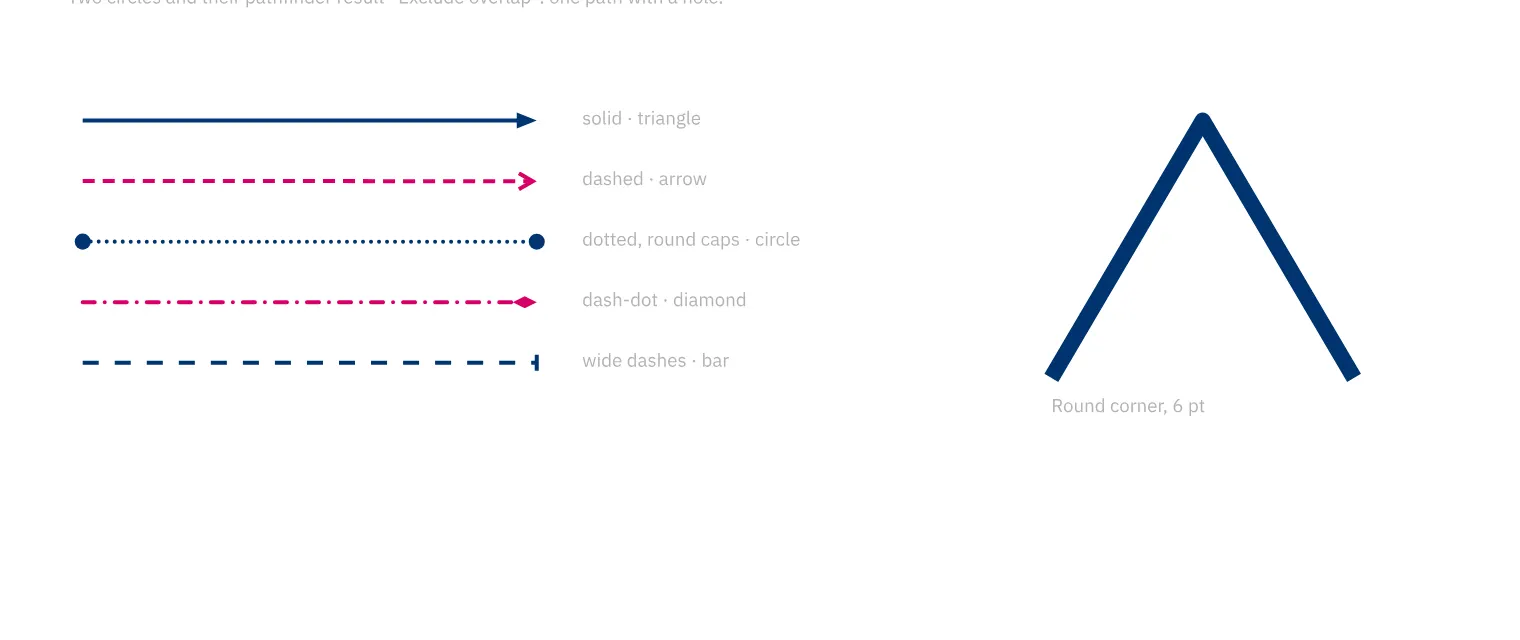
You style strokes as solid, dashed, dotted or dash-dot lines. For a magazine infographic, you set caps, joins and arrowheads to match their meaning. The stroke can sit inside, centred on or outside the shape. The screen, PDF and SVG use these settings for rendering and output.
How to do it
- Select a shape or line.
- Open «Stroke» in «Properties».
- Set weight, dash style, caps and alignment.
- Check the result at its final size.