Where to find itTable
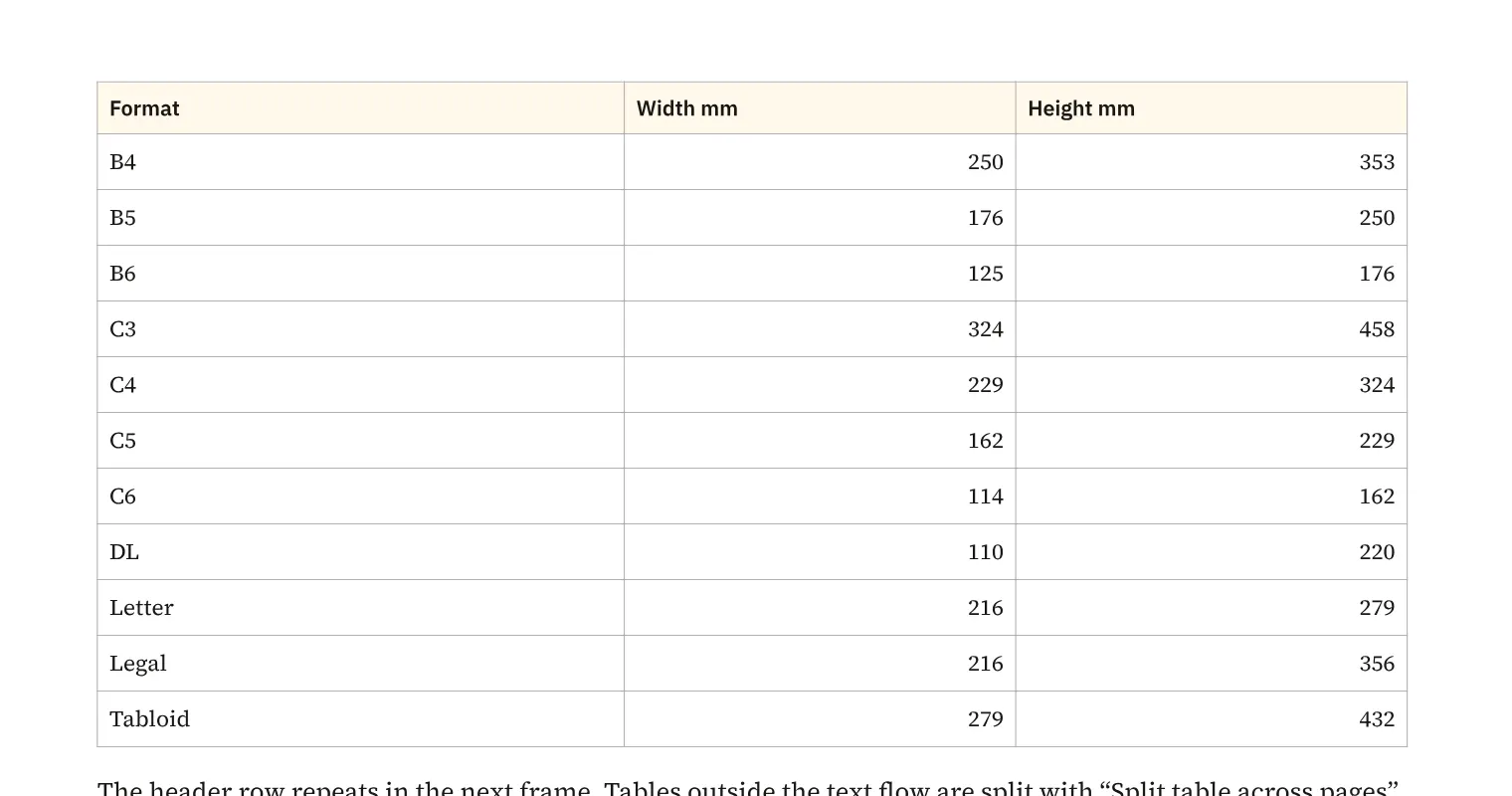
You design tables with merged cells, header and footer rows, alternating fills and strokes for individual cell edges. A long product overview in a catalogue can flow through threaded frames across several pages. For narrow columns, you can rotate cell text by 90°, 180° or 270°. A row allowed to split can break at the end of a frame so a long text cell continues on the next page.
How to do it
- Create a table in text through «Table» › «Insert table …».
- Thread the text frames for subsequent pages.
- Set header and footer rows and cell appearance.
- Check «Table» › «Breaks» for table continuation.
Compared
Tables across frames and pages
- Medusa availablerows may split at the end of a frame and carry on in the next; rows taller than the frame always split
- Adobe InDesign available↗ Adobe: Break tables across frames
- QuarkXPress available↗ Quark: A Guide to QuarkXPress 2025
- Affinity Studio missingdoes not break automatically↗ Affinity: Creating tables
Rotate text in table cells
- Medusa available90°, 180° and 270° per cell; the same on screen, in PNG, PDF and SVG
- Adobe InDesign availablerotation in the cell options↗ Adobe: Format text in tables
- QuarkXPress no reliable statement
- Affinity Studio no reliable statement
Vendor sources, as of 25.9.2026 · Full comparison with all sources