Where to find itTable › Calculate › Enter formula
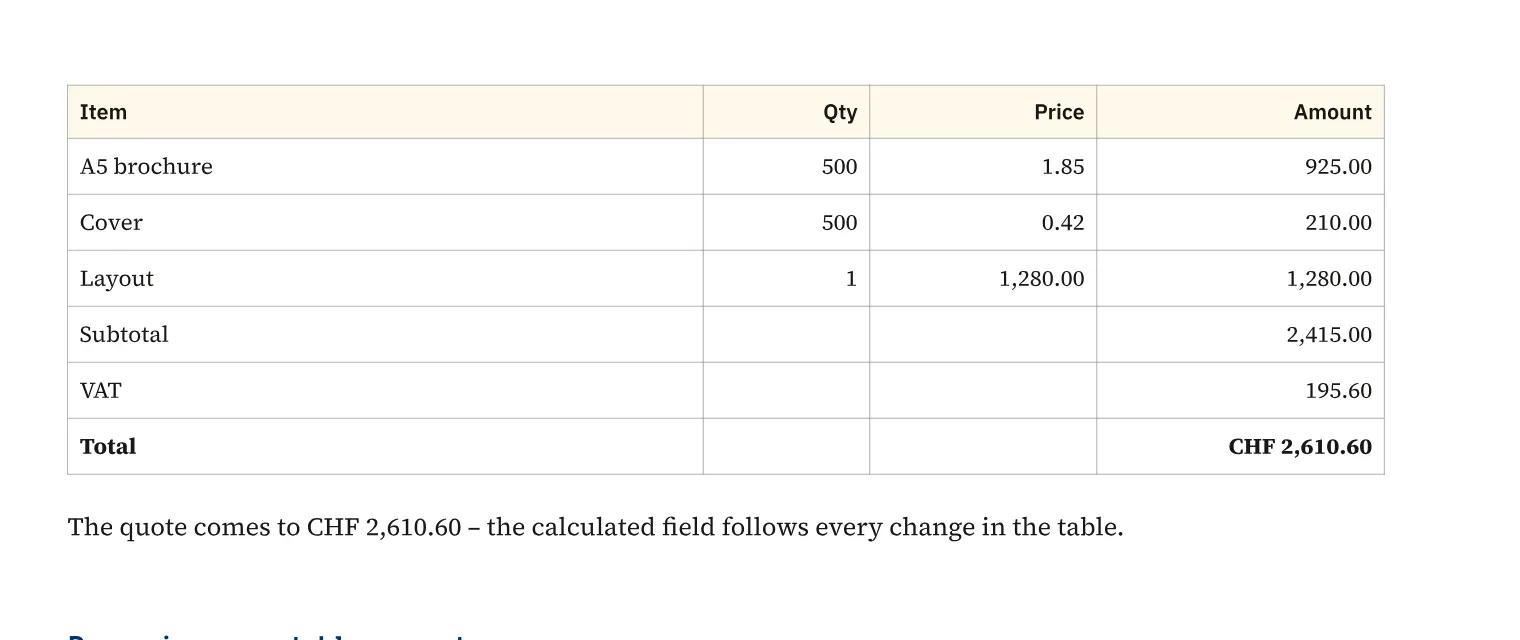
Start a table cell with “=” to calculate a result from values, cell references or ranges. For a print shop estimate, you can sum items, use conditions and round to increments of 0.05. Formulas can include other named tables and document values such as a VAT rate. Errors appear as error values in the cell, and the small blue formula indicator on screen does not print.
How to do it
- Click the result cell.
- Choose «Table» › «Calculate» › «Enter formula» or type “=”.
- Enter the formula with cell references and confirm with Enter.
- Check the result and adjust «Number format …» if needed.
Limits
VLOOKUP, whole-column references such as A:A and wildcards in SUMIF are outside the supported formula set.
Compared
Calculations in tables
- Medusa availableformulas in cells, fill down, references to other tables, calculated field in text, sorting
- Adobe InDesign no reliable statement
- QuarkXPress no reliable statement
- Affinity Studio no reliable statement
Vendor sources, as of 25.9.2026 · Full comparison with all sources