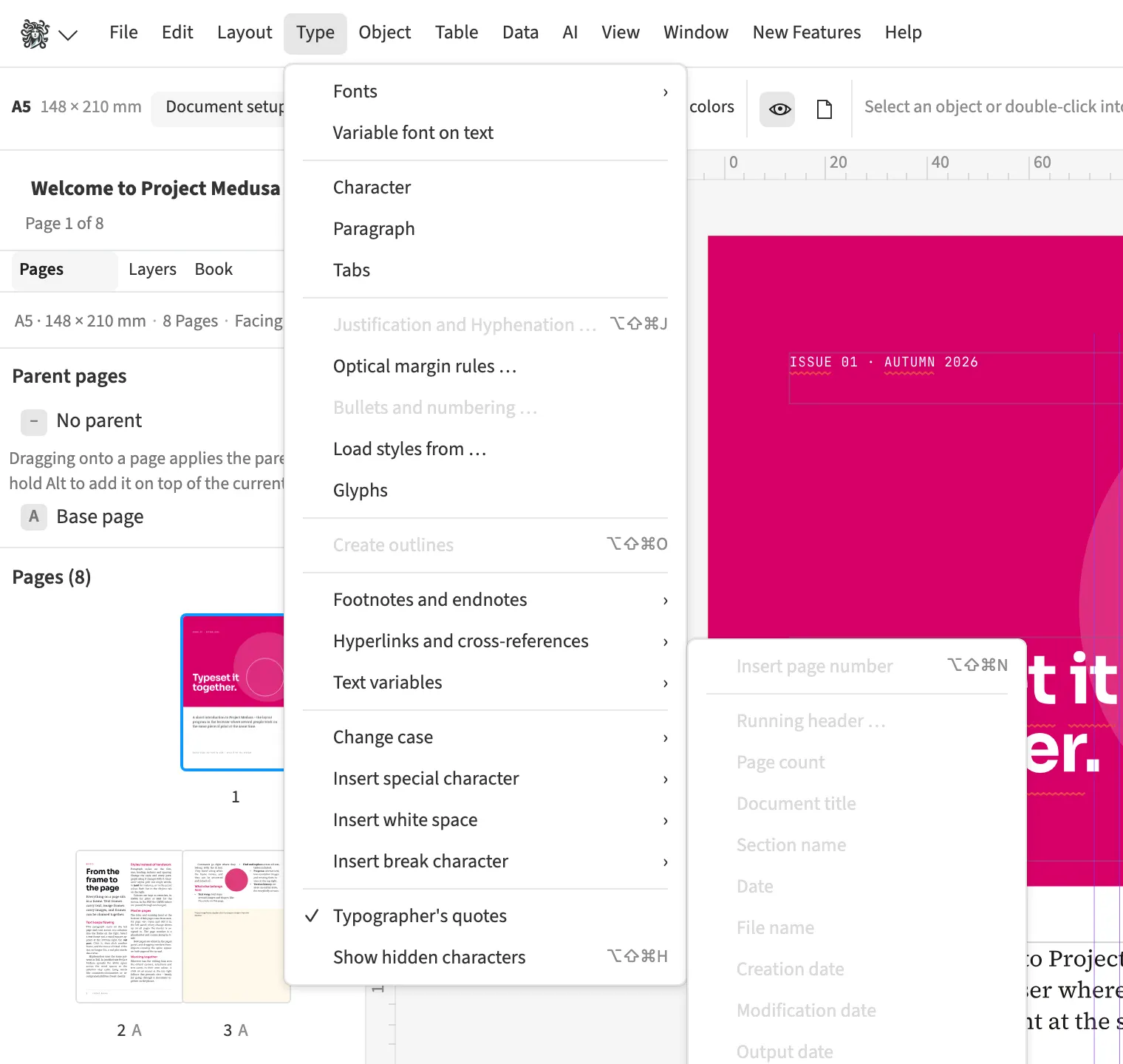
Where to find itFont › Text variables › Text variables …
You insert recurring information as text variables and maintain the value in one place. For a magazine, you can use a custom text variable for the issue name and a date pattern for the output date. File name, chapter number, character and word counts provide further information, and continuation references follow the frame thread. Changing a custom variable updates every occurrence, while deleting the variable leaves its previous text in place.
How to do it
- Place the cursor at the required text position.
- Open «Font» › «Text variables» › «Text variables …».
- Create a text or date variable and insert it.
Limits
Character and word counts exclude hidden conditional text, footnotes, field contents and soft hyphens.
Compared
Text variables, running heads
- Medusa availablecustom ones too, with date patterns and continuation lines; character and word counts
- Adobe InDesign available↗ Adobe: Conditional and variable text
- QuarkXPress availableContent Variables↗ Quark: A Guide to QuarkXPress 2025
- Affinity Studio availablefields↗ Affinity: Fields
Vendor sources, as of 25.9.2026 · Full comparison with all sources