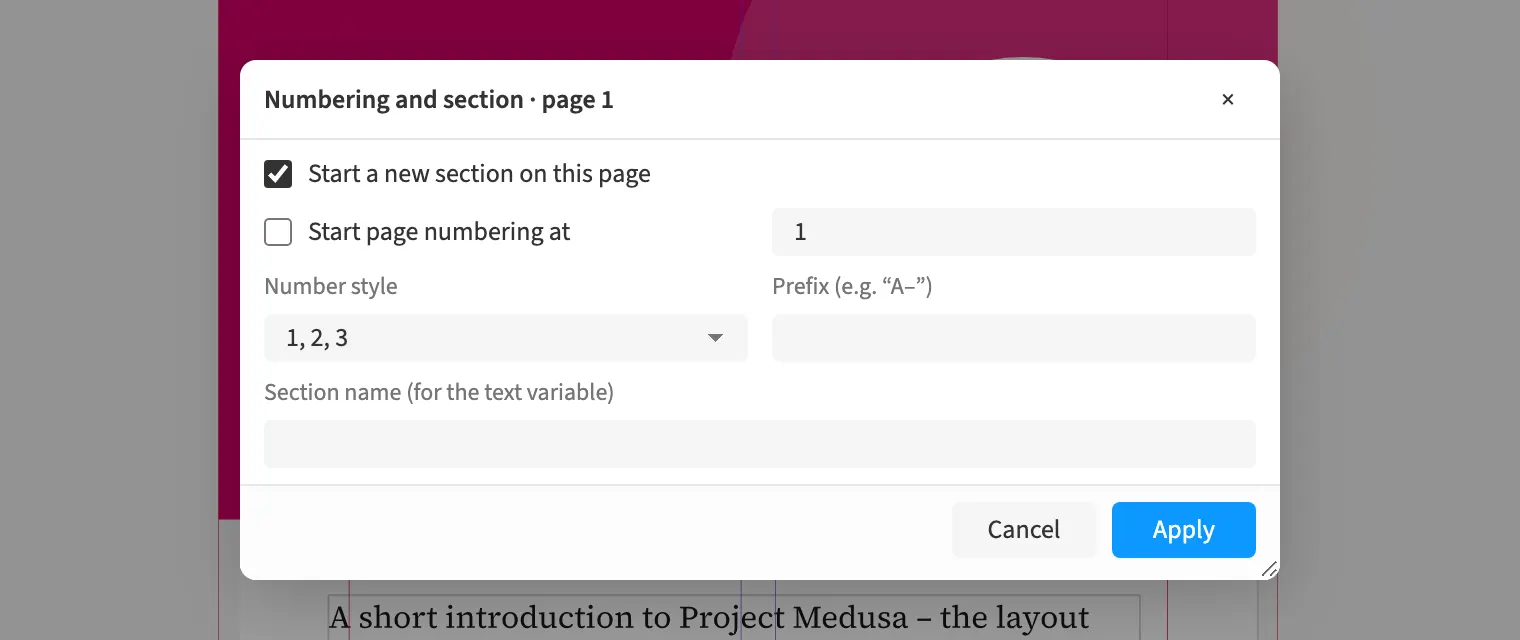
Where to find itLayout › Numbering and section …
You start sections with their own page numbering and can use Roman numerals. In a book, this gives the front matter different numbering from the main text. Running heads take their content from the text and accompany pages with the relevant heading. When assembling a manuscript, you decide whether chapter openers omit running heads and folios and blank pages stay empty.
How to do it
- Select the first page of the new section.
- Open «Layout» › «Numbering and section …».
- Set the numbering style and start number.
- Insert the running head on the parent page through «Font» › «Text variables».