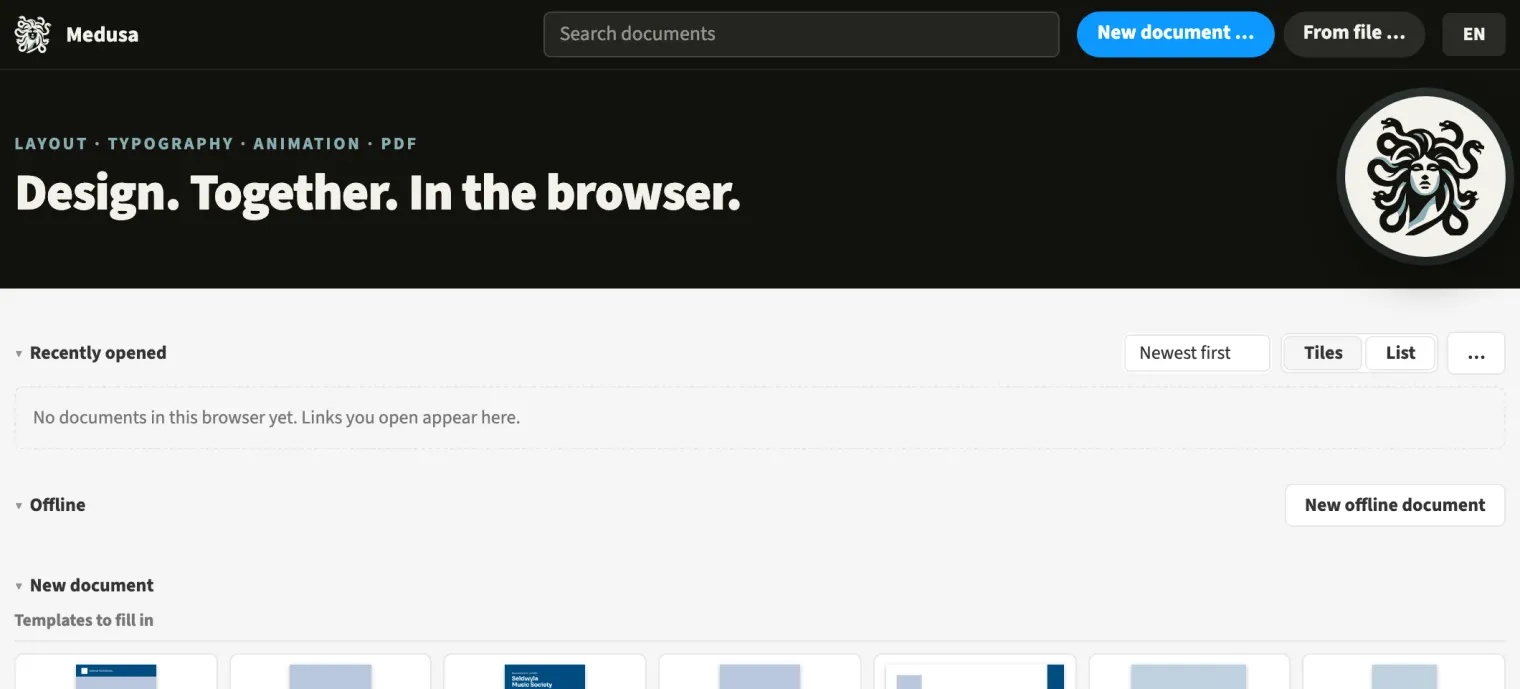
Team storage brings documents together for a team’s members. On the start page, you switch between all documents, your own and your team’s storage. A magazine editorial team can keep the current issue and documents for the next edition there. Your assigned role determines whether you can edit or view. A person who leaves the team loses access to its storage immediately.
How to do it
- Open the document overview on the start page.
- Choose your team in the storage selector.
- Open the required document from the list.
Limits
Shared folders, brand kits and libraries per team are not yet implemented.
Compared
Teams with shared storage
- Medusa availableadmins create teams; members edit or only view; whoever leaves loses access at once
- Adobe InDesign no reliable statement
- QuarkXPress no reliable statement
- Affinity Studio no reliable statement
Vendor sources, as of 25.9.2026 · Full comparison with all sources