Where to find itObject › Place › Barcode or QR code …
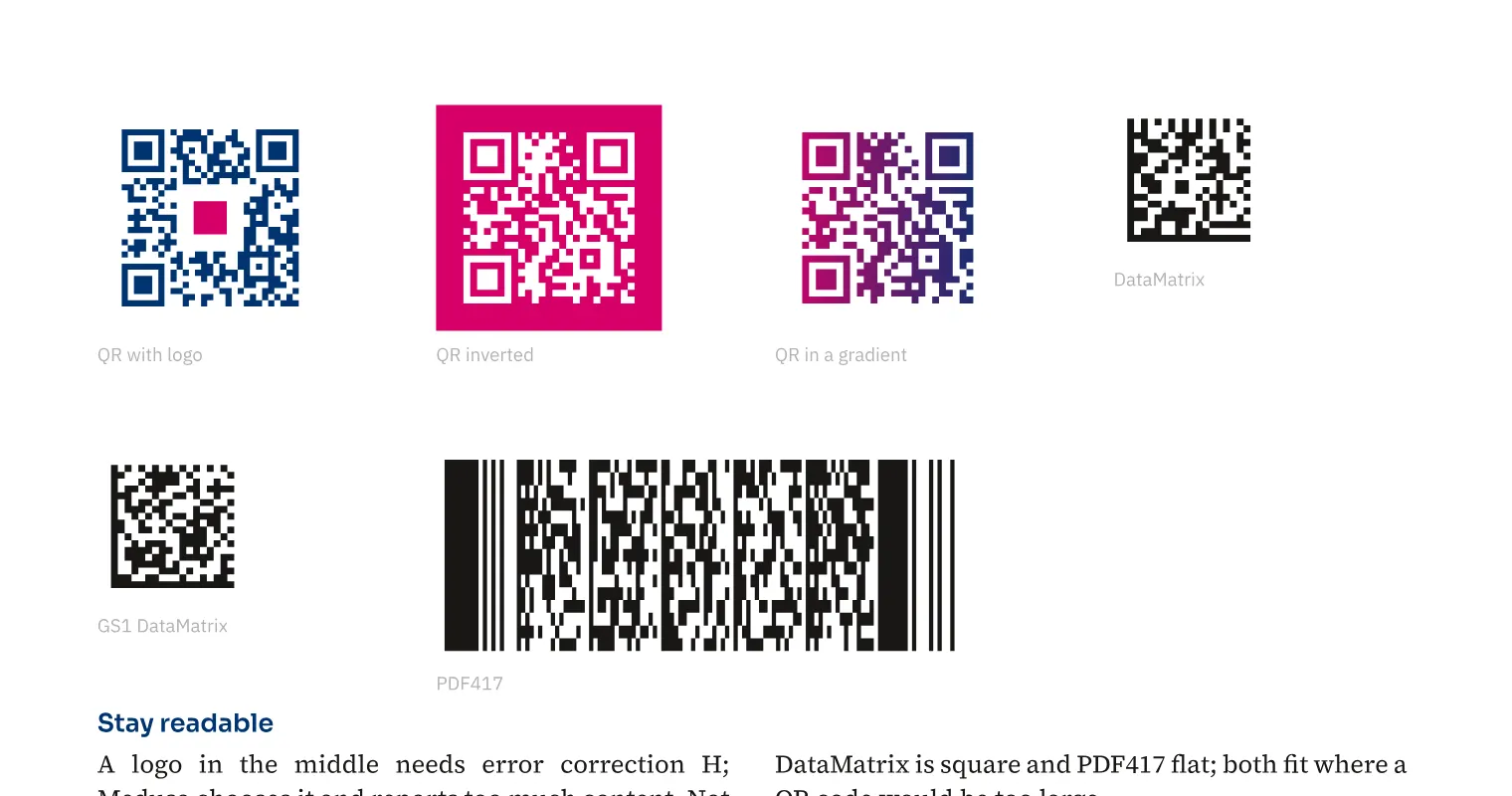
You generate QR, DataMatrix, GS1 DataMatrix and PDF417 as vector objects using document colours. For an agency flyer, a QR code can reserve space for a central logo or appear light on a dark background. QR also supports gradients, with warnings for colours that are too light and limited reader compatibility. In data merge, each record receives its own code from the assigned field.
How to do it
- Open «Object» › «Place» › «Barcode or QR code …».
- Choose the «Kind» and enter the «Contents».
- Adjust the appearance under «Color» and review warnings.
- Insert the code and test a printout with the intended reader.
Tips
- Test the printed code with the intended devices, especially with a logo, gradient or inversion.
Limits
Not every reader can read inverted QR codes.
Compared
Barcodes and 2D codes
- Medusa availableQR (with logo, inverted), EAN/UPC, Code 128, GS1-128, DataMatrix, GS1 DataMatrix, PDF417, Pharmacode, Braille; as vectors, per record too
- Adobe InDesignQR code built in, as vector, also in data merge↗ Adobe: Generate QR codes↗ Adobe: Add QR codes to merged documents
- QuarkXPressQR code built in↗ Quark: Guide 2025 – User interface (Measurements, QR codes)
- Affinity StudioQR Code Tool↗ Affinity: QR Code Tool
Vendor sources, as of 25.9.2026 · Full comparison with all sources