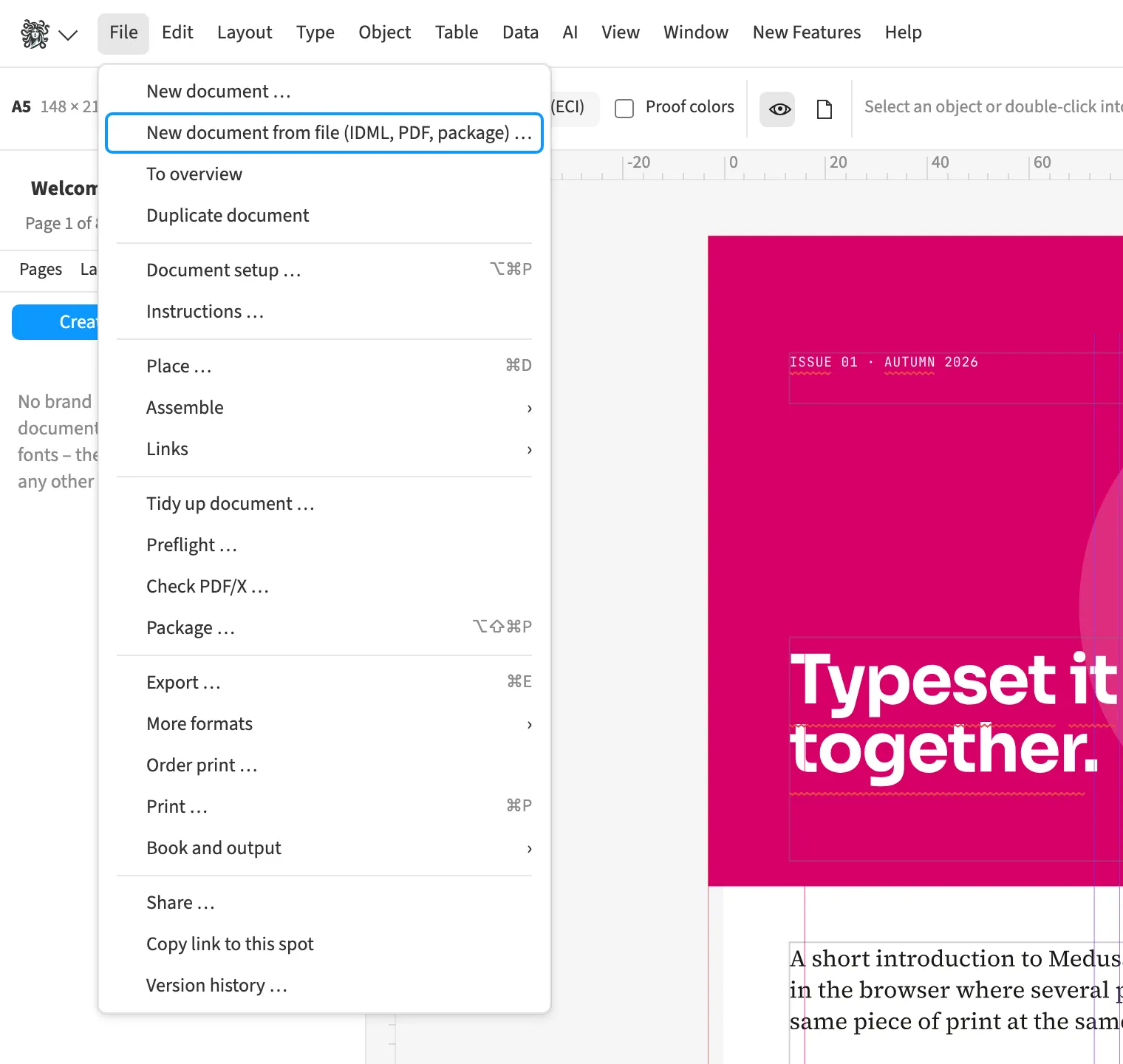
Where to find itFile › Import …
Opening a PDF creates editable fills, curves, text and images. Text with matching formatting receives shared styles named after its appearance. Recognised tables spanning two pages are combined into one table. This helps an agency when only the PDF of an older brochure remains. After corrections, you export the resulting layout through the normal export.
How to do it
- Choose File › Import … and select the PDF.
- In the PDF opening dialog, enable the options you need for styles and tables.
- Check text, tables and fonts in the resulting document.
- Correct the objects and export the new version.
Limits
Editable PDF import approximates the original appearance and replaces fonts; check line breaks afterwards.
Compared
Open and edit PDF
- Medusa availablereal objects, text with paragraph and character styles, tables across pages too
- Adobe InDesign availableonline conversion, account needed↗ Adobe: Convert PDFs to InDesign documents
- QuarkXPress available“Convert to Native Objects”↗ Quark: A Guide to QuarkXPress 2025
- Affinity Studio available↗ Affinity: Import PDF
Vendor sources, as of 25.9.2026 · Full comparison with all sources