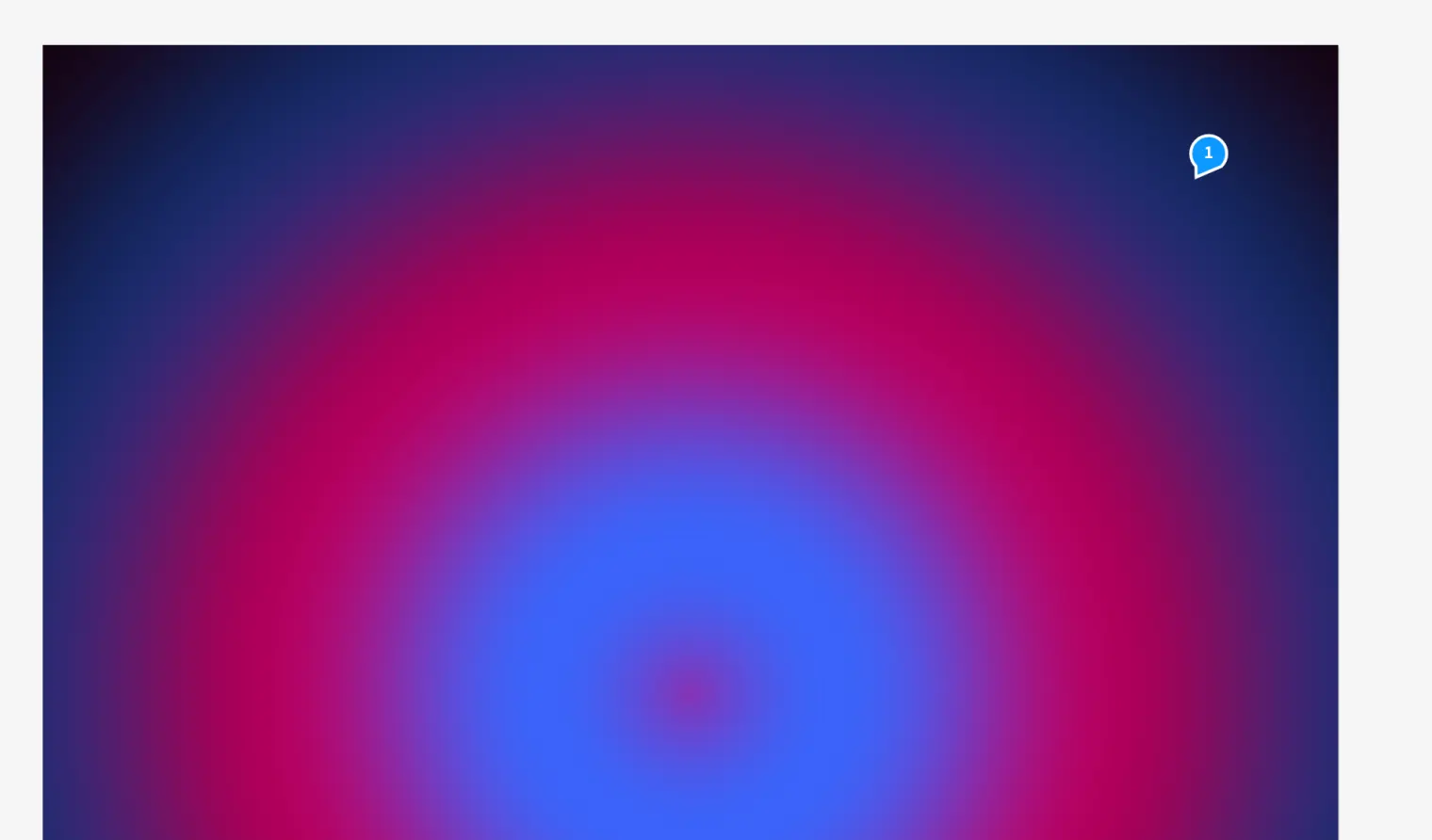
WebGL surfaces generate moving graphics, and you can enter custom GLSL code with a preview and error messages. Place Lottie files as animations with their aspect ratio. For an agency ad, add a moving background or prepared vector animation to the layout. Both follow the timeline and keep running in HTML and HTML5 ad output. In the PDF, Medusa rasterises the state at the playhead, producing a still image.
How to do it
- Drag a Lottie JSON file onto the page.
- Open «Timeline» with ⌥⌘T and check the animation with «Play».
- In the timeline, choose «Export» › «Animated HTML …» for animated browser output.
Tips
- For PDF output, position the playhead at the still image you want before exporting.
Limits
The PDF contains a rasterised still image for WebGL and Lottie, without motion.
Compared
WebGL surfaces with custom shaders
- Medusa availablealso in HTML and video export
- Adobe InDesign no reliable statement
- QuarkXPress no reliable statement
- Affinity Studio no reliable statement
Vendor sources, as of 25.9.2026 · Full comparison with all sources