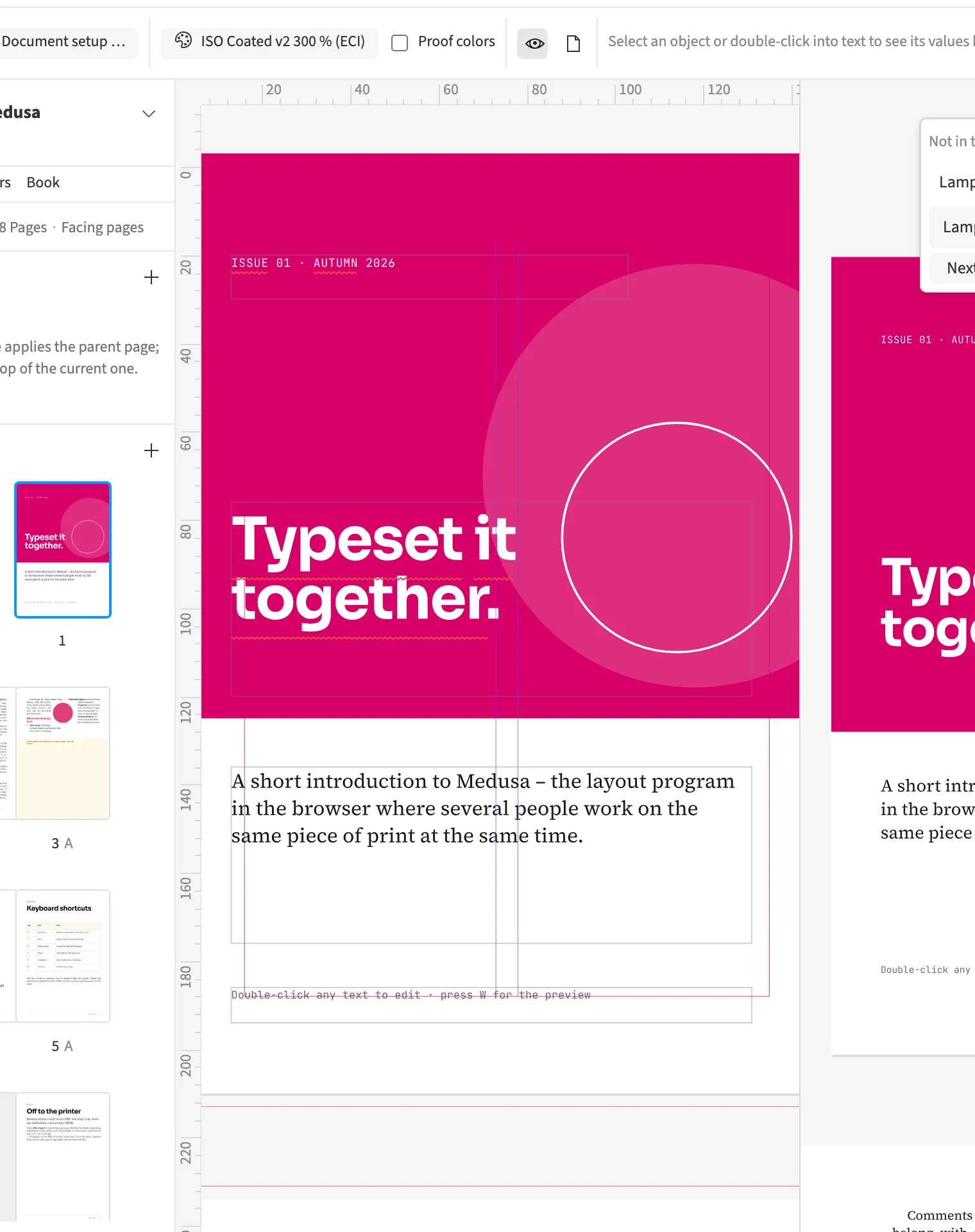
Where to find itWindow › Arrangement › Second view (⌥⌘2)
A second view shows the same document in an additional viewport. Each view has its own zoom and position. You can edit a paragraph at a large scale while keeping the whole spread visible beside it. Changes belong to the shared document and appear in both views. The split is an on-screen working aid and creates no additional output pages.
How to do it
- Choose Window › Arrangement › Second view.
- Set the position and zoom you want in each view.
- Toggle Second view again to close it.